Top free online whiteboards for teamwork can save a project when chat threads get messy, meetings turn into status updates, and nobody knows where the “latest” plan lives. A good board makes ideas visible, decisions traceable, and collaboration less dependent on one person driving the call.
The tricky part is that “free” rarely means the same thing across tools. Some cap collaborators, others limit boards, storage, exports, or guest access. And the limitations that feel fine for solo brainstorming can become painful the moment you try to run a sprint planning session or a client workshop.
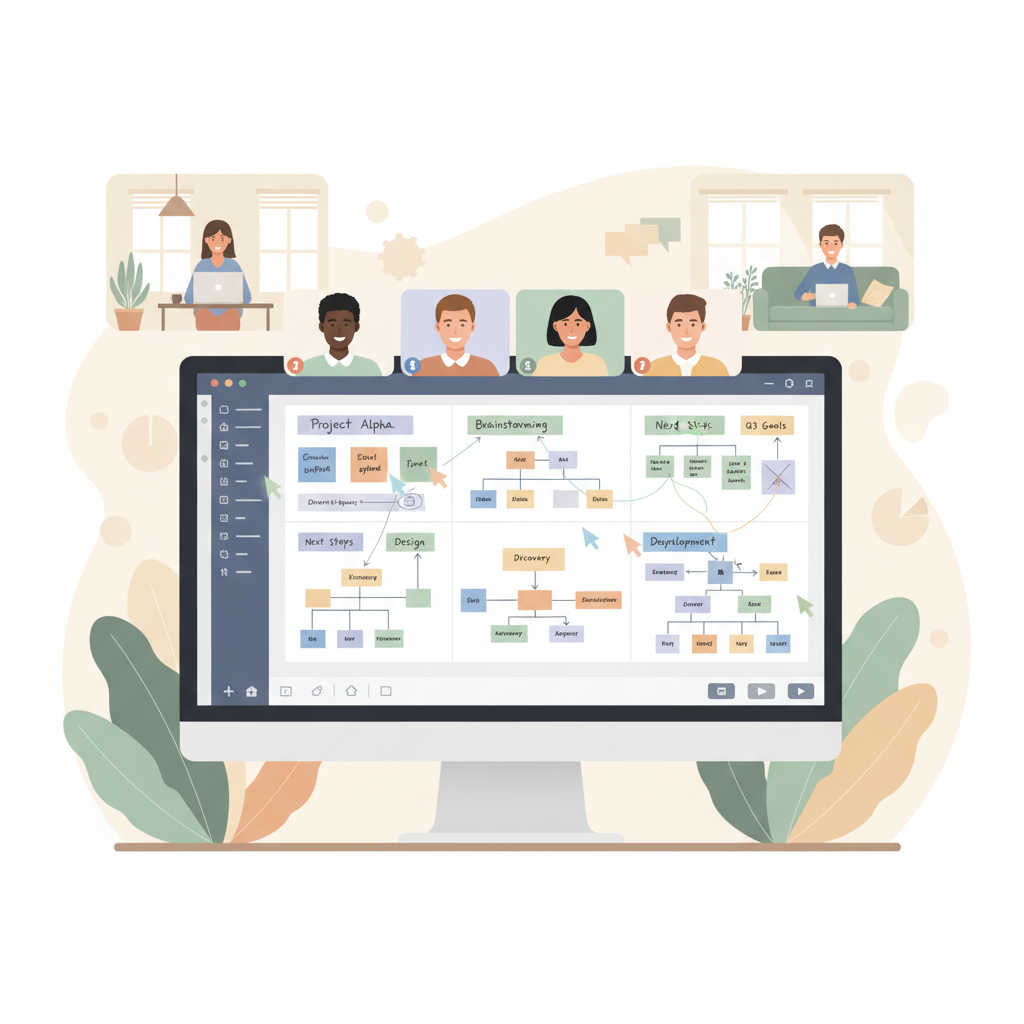
This guide focuses on what usually matters in real teamwork: how quickly people can join, whether the board stays organized, and what happens when you need to export, present, or keep a record. I’ll also share a simple way to choose based on your team’s workflow, not marketing checklists.
What “free” really means for teamwork whiteboards
When people search for top free online whiteboards for teamwork, they’re often trying to avoid paying before they know the tool will stick. That’s reasonable, but free tiers tend to gate the exact features teams rely on once adoption starts.
Here are the limits that most often show up in day-to-day collaboration:
- Board count or editable boards: you can create many, but only a few stay editable, older ones become view-only.
- Guest access: inviting someone outside your org can require a paid plan, or forces login friction.
- Collaboration scale: free might work for 2–5 people, then throttles performance or permissions for larger groups.
- Templates and widgets: basics are free, advanced facilitation tools sit behind a paywall.
- Export and audit trail: PDF export, board history, and versioning are frequently paid features.
- Integrations: Slack, Microsoft Teams, Jira, Confluence, Google Drive, SSO often require upgrades.
According to Atlassian, effective collaboration benefits from shared context and visible work. In practice, that means you should prioritize a free plan that keeps access simple and makes it easy to find “the one board” everyone trusts.
Quick comparison: top free online whiteboards for teamwork (2026 shortlist)
Below is a practical shortlist teams in the US commonly evaluate. Features and free-tier limits change, so treat this as a “what to verify” map, then confirm on each vendor’s pricing page before you commit.
| Tool | Best for | Free tier tends to include | Watch-outs on free |
|---|---|---|---|
| Miro | Cross-functional workshops | Core canvas, templates, real-time collaboration | Board/edit limits and advanced facilitation controls may be paid |
| Mural | Facilitated sessions | Workshop-friendly UI, templates | Guest access, export, and admin controls can be gated |
| FigJam | Design + product teams | Sticky notes, cursor chat, basic diagramming | Some org controls and advanced collaboration features may require paid |
| Microsoft Whiteboard | Microsoft 365-first orgs | Simple whiteboarding inside the Microsoft ecosystem | Best experience depends on Microsoft accounts and tenant settings |
| Google Jamboard alternatives | Google Workspace teams | Varies by vendor; often simple boards and sharing | Be strict about security, exports, and long-term support |
| Figma (whiteboard-lite via FigJam) | Fast brainstorming + handoff | Works well when files live in Figma already | Non-design stakeholders may face onboarding friction |
Key point: If your team regularly invites clients, contractors, or interview candidates, “guest experience” matters more than the number of templates.
How to pick the right free whiteboard for your team (a quick self-check)
If you’ve tried a few top free online whiteboards for teamwork and none felt right, it’s usually because the selection criteria are off. Teams choose based on canvas features, then get stuck on access, workflow fit, or ownership later.
Use this quick checklist to narrow the field:
- Team size today: 2–6, 7–20, 20+.
- Collaboration pattern: mostly async updates, or live workshops twice a week.
- External guests: never, sometimes, or every week.
- System of record: Jira/Confluence, Notion, Google Drive, Microsoft 365, Linear, etc.
- Output needed: meeting notes, decision log, diagrams, PDFs for stakeholders.
- Security expectations: at minimum, controlled sharing and the ability to revoke access.
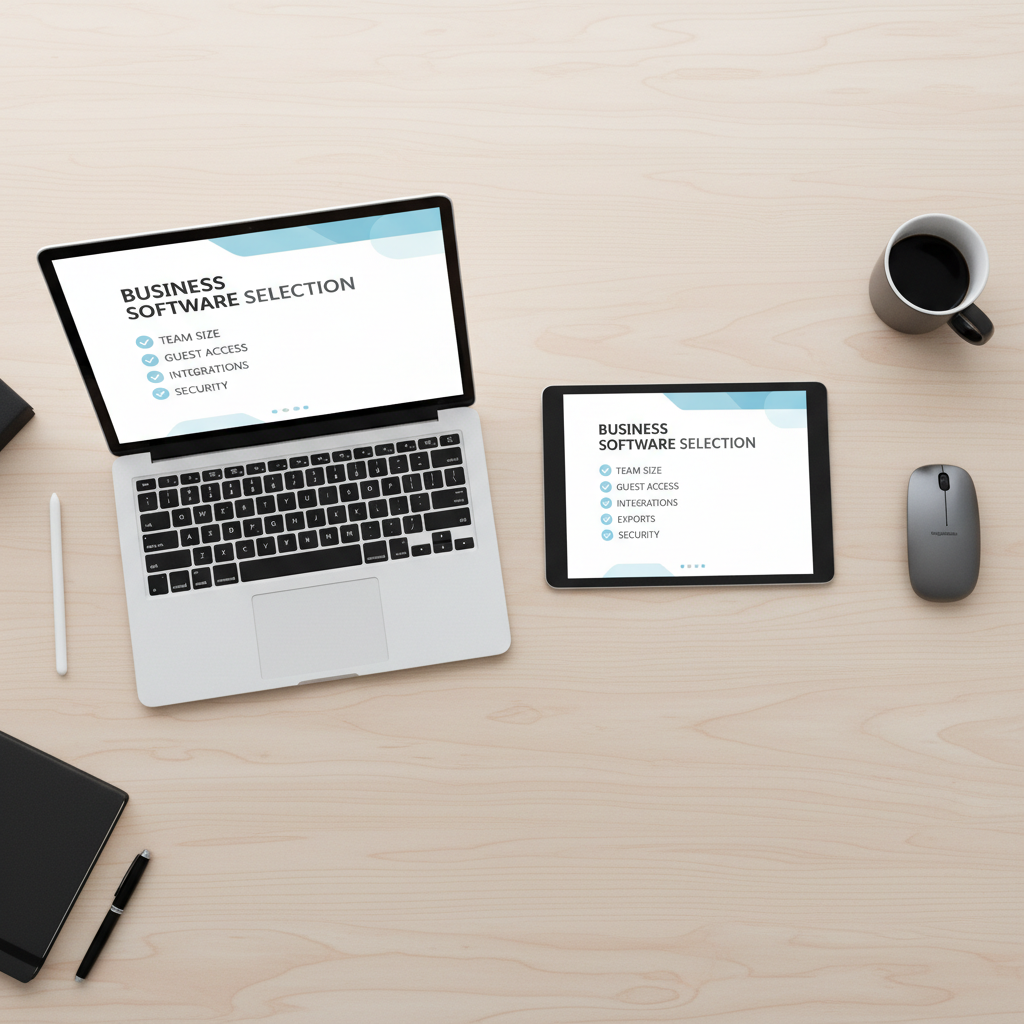
A simple rule that holds up: if your work ends up in Jira/Confluence, a tool that links cleanly into that flow can beat a “better” canvas. If your work ends up as a PDF for clients, export quality and access control become the real deciding factors.
Best-use scenarios (so you don’t overbuy or underpick)
1) Sprint planning and agile ceremonies
Look for quick sticky-note capture, voting, timers, and an easy way to translate outcomes into tickets. Many teams love expansive boards, but if it’s hard to turn a plan into issues, momentum drops.
- Good fit: boards with strong templates for retros, story mapping, and planning.
- Verify: whether Jira/Linear integration is available on free, or if you’ll rely on manual copying.
2) Design critique and product discovery
This is where lightweight annotation, easy sharing, and a calm UI matter. People need to react fast, not fight the tool.
- Good fit: tools that sit close to design files or support quick embeds.
- Verify: guest permissions for stakeholders, plus whether comments stay attached to artifacts.
3) Cross-functional alignment and stakeholder reviews
When a board becomes a communication artifact, your biggest risk is access chaos: multiple versions, broken links, or people locked out five minutes before the meeting.
- Good fit: tools with simple share links, clear roles, and dependable presenting.
- Verify: if view-only sharing is enough on free, and what exporting looks like.
Practical setup: make a free online whiteboard work like a system
Even the top free online whiteboards for teamwork will feel sloppy if everyone creates boards randomly. A little structure makes a free plan usable for months.
Create a board architecture your team can remember
- One “Home” board with links to active boards, owners, and last updated dates.
- One board per initiative rather than per meeting, meetings become sections inside it.
- Naming convention: TEAM-PROJECT-WEEK or TEAM-INITIATIVE-Q2.
Small habit, big payoff: assign an owner for each board, not as a boss, just the person who keeps it tidy and archived when done.
Run better live sessions (without more features)
- Start with a template, then delete sections you won’t use, blank canvases waste time.
- Use a parking lot area for off-topic ideas so the meeting stays focused.
- End with a decision box: what changed, who owns next steps, when the board gets revisited.
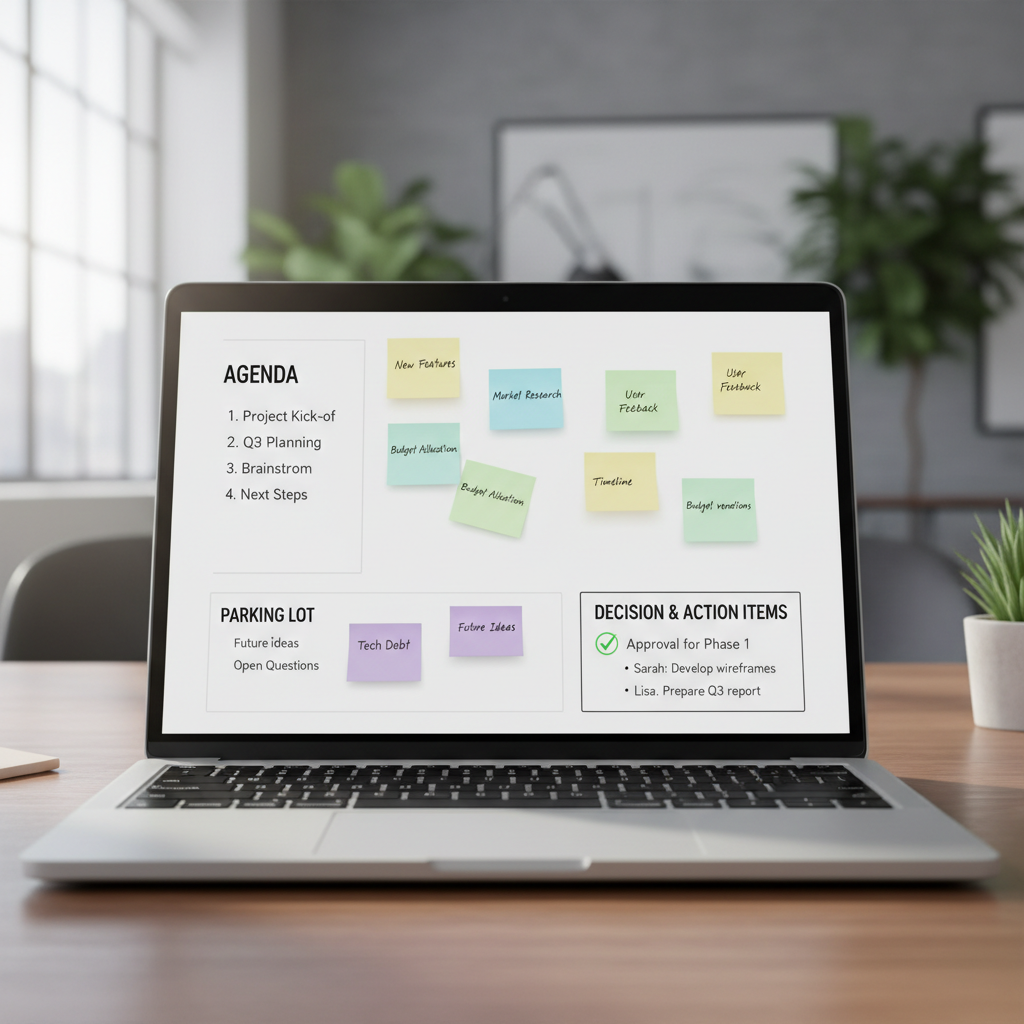
According to Microsoft, real-time co-authoring tools work best when everyone can contribute at the same time with minimal friction. In whiteboard terms, that means fewer “who can edit?” moments and more clear lanes for input.
Common mistakes teams make with free whiteboards
Most frustration isn’t about features, it’s about mismatched expectations. A few patterns show up a lot:
- Choosing based on the prettiest template library, then realizing guests can’t access without creating accounts.
- Letting boards sprawl into endless canvases, nobody can find the latest decision or next step.
- Ignoring exports until the first stakeholder asks for a PDF, then discovering it’s limited.
- Using a whiteboard as a database; it’s better as a thinking space that links out to the system of record.
- Not checking retention and ownership, especially if someone leaves and the board lives in their personal workspace.
If your team is security-conscious, treat anonymous public links carefully. Settings vary, and in many orgs it’s worth asking IT or an admin to confirm what “anyone with the link” means in your environment.
When it’s worth upgrading (or asking for admin help)
Free tiers are great for proving value, but there’s a point where the constraints cost more than a subscription. You’re probably there when:
- You need reliable guest collaboration for clients, workshops, or hiring loops.
- You want admin controls like centralized ownership, access revocation, and audit trails.
- You need exports and archives for compliance, documentation, or stakeholder reporting.
- Your team relies on integrations to keep work from being duplicated across tools.
According to NIST, access control and least privilege are core security principles. If whiteboards start holding sensitive product plans or customer details, it’s reasonable to involve IT or a security lead to review sharing settings and vendor options.
Conclusion: a simple way to decide this week
The fastest way to choose among top free online whiteboards for teamwork is to run one real meeting on two tools and score only three things: how fast people joined, how clean the output looked afterward, and how easy it was to turn decisions into next steps.
If you want a low-effort action plan, pick one tool that matches your ecosystem, set up a single “Home” board, and run your next planning session with a template and a decision box. If it feels calmer instead of chaotic, you found your baseline, then you can decide whether free stays enough or it’s time to upgrade.
FAQ
What are the top free online whiteboards for teamwork in 2026?
Teams commonly compare Miro, Mural, FigJam, and Microsoft Whiteboard, plus a handful of lighter tools. The “top” pick depends less on canvas features and more on guest access, exports, and integrations you actually use.
Which free online whiteboard is best for remote teams?
For remote-first teams, prioritize low-friction joining and stable real-time editing. A tool that works smoothly for guests and doesn’t require complicated account setup often beats a more advanced board that half the team avoids using.
Do free online whiteboards support Microsoft Teams or Slack?
Some do, but integrations are frequently a paid feature. If Slack or Teams is where work gets coordinated, verify integration availability on the free plan, otherwise you’ll be relying on links and manual reminders.
Are free whiteboard tools secure enough for business use?
Many can be acceptable for general planning, but it depends on what you put on the board and how links are shared. If boards contain customer data, internal financials, or security details, it’s smart to consult your IT/security team and review access controls.
How many people can collaborate on a free whiteboard at once?
It varies by vendor and sometimes by board complexity. In many cases, small groups work fine, but larger workshops can expose limits around permissions, performance, or facilitation features, so it’s worth testing with your real meeting size.
What should I test before committing to a free plan?
Run a 30-minute session with your actual agenda: invite one external guest, try presenting, then export or document outcomes. The weak points usually show up quickly, especially around sharing and “what happens after the meeting.”
What’s the biggest difference between a whiteboard and a project management tool?
A whiteboard is for thinking, alignment, and visual planning; a project tool is for tracking execution. The best workflow links them: decide on the board, then capture commitments in your system of record.
If you’re trying to standardize collaboration without forcing everyone into a new workflow, it can help to shortlist two tools, test them on one real ceremony, and keep the winner as your team’s default board for 30 days. That small trial usually tells you more than weeks of feature comparisons.