top free ai grammar checkers for writing are a practical way to catch grammar slips, confusing sentences, and tone issues before you hit “submit” or “send.”
If you write essays, cover letters, reports, or blog posts, you already know the frustrating part: you can reread something five times and still miss an obvious error, or keep a sentence that “sounds fine” but reads oddly to someone else.

This guide compares the best free options in a way that helps you decide quickly, not just “what’s popular.” You’ll see where each tool shines, where free plans often feel limited, and how to use them without flattening your voice.
Key takeaway: the “best” checker depends on what you write, where you write it, and whether you need strict grammar, style coaching, or quick typos only.
What a free AI grammar checker can (and can’t) do
A lot of people expect an AI checker to behave like a perfect editor. In reality, most tools do three things well: find obvious grammar errors, flag unclear wording, and suggest cleaner phrasing.
What they do less reliably: specialized academic style, domain terminology, citations, and “intent” behind a sentence. They also can overcorrect, especially with creative voice or deliberate fragments.
- Great for: typos, subject–verb agreement, punctuation consistency, basic clarity, repeated words.
- Sometimes helpful: tone adjustments, conciseness suggestions, rephrasing.
- Risky without judgment: changing meaning, “simplifying” technical language, pushing generic corporate tone.
According to NIST (National Institute of Standards and Technology), AI systems can be brittle outside the context they were trained for, which is a fancy way of saying you still need to sanity-check suggestions when stakes are high.
Quick comparison table: top free tools at a glance
Here’s the quick scan most people want before they dive deeper. “Free” varies by tool, and many features sit behind premium plans, so treat this as a starting point.
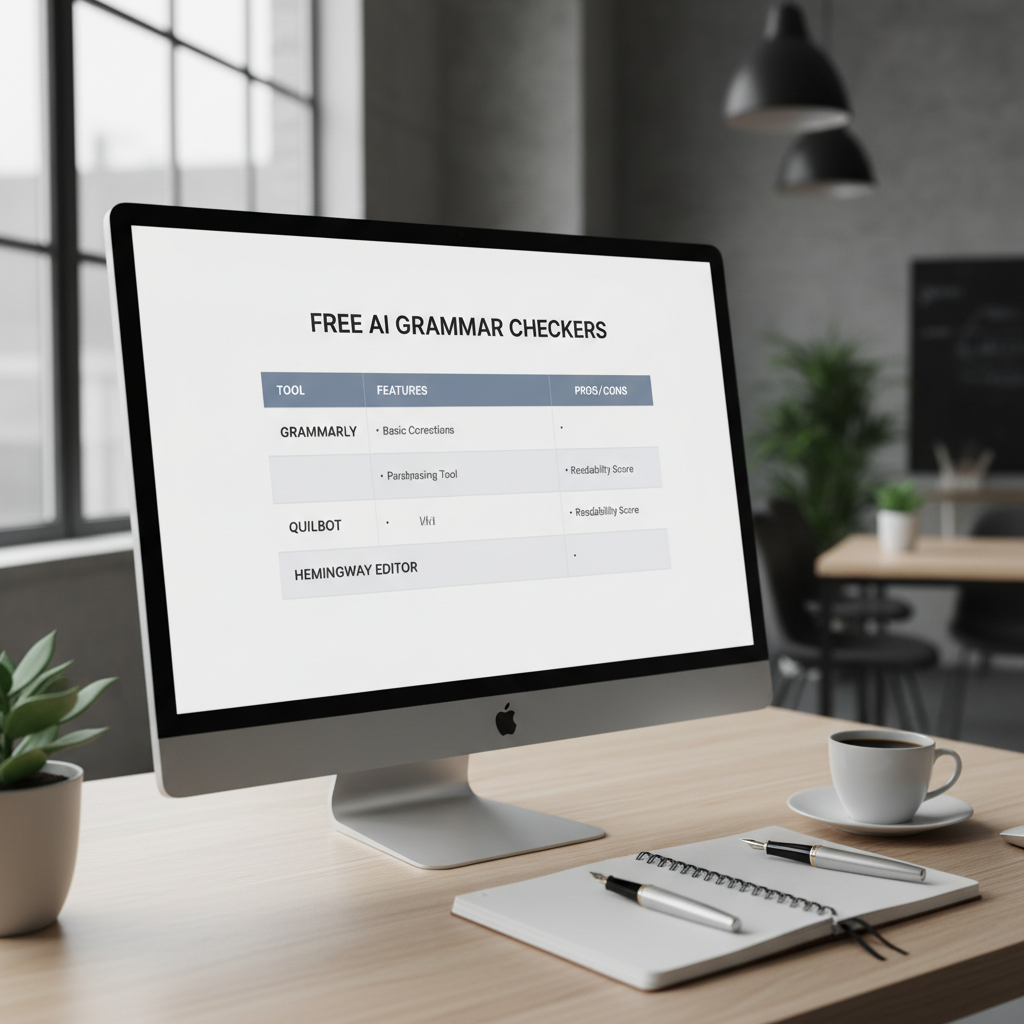
| Tool | Best for | Where it works | Typical free limitations |
|---|---|---|---|
| Grammarly (Free) | Everyday grammar + clarity | Browser, desktop, mobile, extensions | Advanced rewrites, style/tone depth often limited |
| LanguageTool (Free) | Grammar across many languages | Browser add-ons, web editor | Suggestion volume and advanced style checks may be capped |
| Microsoft Editor (Free) | Writing inside Microsoft 365/Edge | Edge, Word/Outlook (varies) | Best experience tied to Microsoft ecosystem |
| Google Docs (built-in suggestions) | Fast basics for school/work | Google Docs | Fewer style insights than dedicated tools |
| QuillBot (Free tools) | Rephrasing + quick cleanups | Web, extensions (varies) | Output variety and controls often limited |
Top free AI grammar checkers for writing (with real-world picks)
Below are the tools that come up most often for students and working professionals in the U.S., plus what I’d actually use them for.
Grammarly (Free)
Grammarly’s free tier is usually the quickest win if you want fewer embarrassing mistakes and you write in many places, not only in one app.
- Use it when: you want clean grammar, basic clarity, and helpful flags inside email, docs, and forms.
- Watch for: suggestions that change nuance, especially in persuasive essays or personal statements.
- Good habit: accept fixes for grammar and typos fast, but pause on rewrites and tone suggestions.
LanguageTool (Free)
LanguageTool often feels more flexible if you move between languages or write for international audiences, and it tends to be solid on conventional grammar patterns.
- Use it when: you need a reliable checker across browsers and want a bit more control over rules and dictionaries.
- Watch for: occasional false positives on names, niche terms, or intentional informal phrasing.
Microsoft Editor (Free)
If you live in Word, Outlook, or Edge, Microsoft Editor can be the “already there” choice, which matters more than people admit. A tool you actually use beats a tool you forget to open.
- Use it when: you draft in Word or handle lots of professional email.
- Watch for: inconsistent features depending on where you access it (web vs app vs extension).
Google Docs spelling & grammar suggestions
Not flashy, but it’s fast, frictionless, and good enough for many school assignments. If your goal is “catch the obvious stuff,” this is often plenty.
- Use it when: you collaborate, share drafts, or need basic grammar checks without extra accounts.
- Watch for: style-level improvements; you may need another tool for deeper clarity.
QuillBot (Free tools)
QuillBot is often used more for rewording than strict proofreading. It can help when you know a sentence is clunky but can’t find a cleaner structure.
- Use it when: you’re stuck rewriting, trimming wordiness, or varying sentence structure.
- Watch for: rephrases that shift meaning, especially in evidence-based writing.
Self-check: which free grammar checker fits your writing?
If you’re unsure, use this quick checklist. Your “yes” answers point to the tool type you’ll stick with.
- I write in many places (email, forms, LMS, docs): prioritize a browser extension.
- I mainly write essays in Google Docs: start with Docs suggestions, add one dedicated checker for final pass.
- I care about multilingual writing: choose a tool known for language coverage and custom dictionaries.
- I want rewriting help more than grammar rules: pick a tool with paraphrasing and clarity options.
- I’m submitting high-stakes writing: use two passes: one grammar-focused, one human read-out-loud pass.
Small but useful rule: if a tool makes you second-guess every sentence, it’s probably too aggressive for your voice, even if it’s “smart.”
How to use free AI grammar tools without losing your voice
This is where people either save time or create new problems. A clean workflow keeps you in control.
A simple 3-pass workflow (works for essays and professional writing)
- Pass 1: Surface errors. Fix spelling, missing articles, verb tense mismatches, punctuation.
- Pass 2: Clarity. Only accept rewrites you can explain out loud in one sentence: “This keeps my meaning, just cleaner.”
- Pass 3: Human read. Read the draft aloud or use text-to-speech, then fix awkward rhythm and transitions.
Two “guardrails” that prevent over-editing
- Don’t accept changes you don’t understand. If you can’t explain why it’s better, it’s a coin flip.
- Protect key terms. In academic writing, keep discipline-specific words consistent, even if the tool wants to swap synonyms.
Common mistakes with free grammar checkers (and how to avoid them)
Most frustration comes from expecting one tool to do everything, or from treating suggestions like rules.
- Mistake: running the checker mid-draft and getting derailed.
Fix: draft first, polish after. Editing too early kills momentum. - Mistake: accepting every “clarity” change.
Fix: accept grammar with confidence, treat rewrites as optional. - Mistake: ignoring context like quotes, dialogue, or intentional fragments.
Fix: use your assignment rubric and audience expectations as the final judge. - Mistake: assuming “free” means no trade-offs.
Fix: expect limits on advanced style, tone, and plagiarism-style features, then plan around them.
According to the FTC (Federal Trade Commission), it’s smart to pay attention to how apps handle data and privacy claims. For sensitive writing, consider what you paste into any online tool and review its privacy settings.
Practical recommendations by scenario
Here are a few common situations and a realistic “good enough” setup.
- High school or college essays: Google Docs checks during drafting, then a dedicated checker for a final grammar pass, then read aloud.
- Scholarships or personal statements: one grammar-focused tool, but keep voice intact, ask a teacher or trusted reviewer to read once.
- Professional emails and resumes: a browser-based checker plus Microsoft Editor if you work in Office, keep sentences short and specific.
- Non-native English writing: choose a tool that explains errors clearly, build a personal list of repeat mistakes and fix them first.
If you only pick one: choose the tool that fits where you write most, then make it part of your last 10 minutes before submitting.
Conclusion: pick one tool, then build a repeatable editing habit
Free checkers can absolutely raise your baseline, but the real win comes from a routine you’ll follow when you’re tired, rushed, and ready to submit. Pick one of the top free AI grammar checkers for writing that matches your workflow, run a focused final pass, and keep your judgment switched on for meaning and tone.
Action steps: choose one tool today, test it on a past essay, then save a personal “do-not-change” list for terms, names, and preferred phrasing.
FAQ
What are the top free AI grammar checkers for writing students actually use?
Grammarly (Free), Google Docs suggestions, and LanguageTool come up often because they’re easy to access and catch common mistakes quickly. The best choice depends on where you draft and how much rewriting help you want.
Are free grammar checkers good enough for college essays?
Often, yes for grammar and basic clarity, especially if you combine them with a read-aloud pass. For higher-level style and argument flow, you’ll still want a human review or careful self-editing.
Will an AI grammar checker change my writing style?
It can, if you accept every rewrite suggestion. A good approach is to accept clear grammar fixes, then only take rephrases that preserve meaning and still sound like you.
Which free tool works best inside Google Docs?
Google Docs’ built-in checks handle basics smoothly. If you want deeper suggestions, a browser extension can complement Docs, but it’s worth testing for overlap so you don’t get noisy, conflicting advice.
Can I trust AI grammar suggestions for technical or academic writing?
Trust them for punctuation and obvious grammar, but be cautious with terminology, claims, and citations. In many cases, the tool doesn’t know your course expectations, so your rubric stays in charge.
Do I need more than one grammar checker?
Not usually. Two tools can help for a final pass if you keep it simple, but too many checkers often lead to over-editing and inconsistent style.
Are there privacy concerns with free writing tools?
There can be, depending on what you paste and how the service handles data. If your writing includes sensitive personal info, consider minimizing what you upload and review the provider’s privacy options.
If you want an easier setup
If you’re juggling classes or deadlines and want a more streamlined workflow, consider choosing one checker for everyday drafting and one “final pass” routine you follow every time, it’s the consistency that saves you the most time.