
How to secure social media accounts from hackers starts with a simple mindset shift: you’re not protecting “an app,” you’re protecting identity, messages, and the people who trust you.
If you’ve ever seen a friend suddenly post crypto links, weird giveaways, or DMs asking for money, you already know the damage spreads fast. The account owner loses control, followers get tricked, and recovery can be messy.
This guide focuses on the steps that usually matter most in real takeovers: locking down logins, shutting the doors hackers actually use, and setting up recovery so you can bounce back if something still goes wrong.
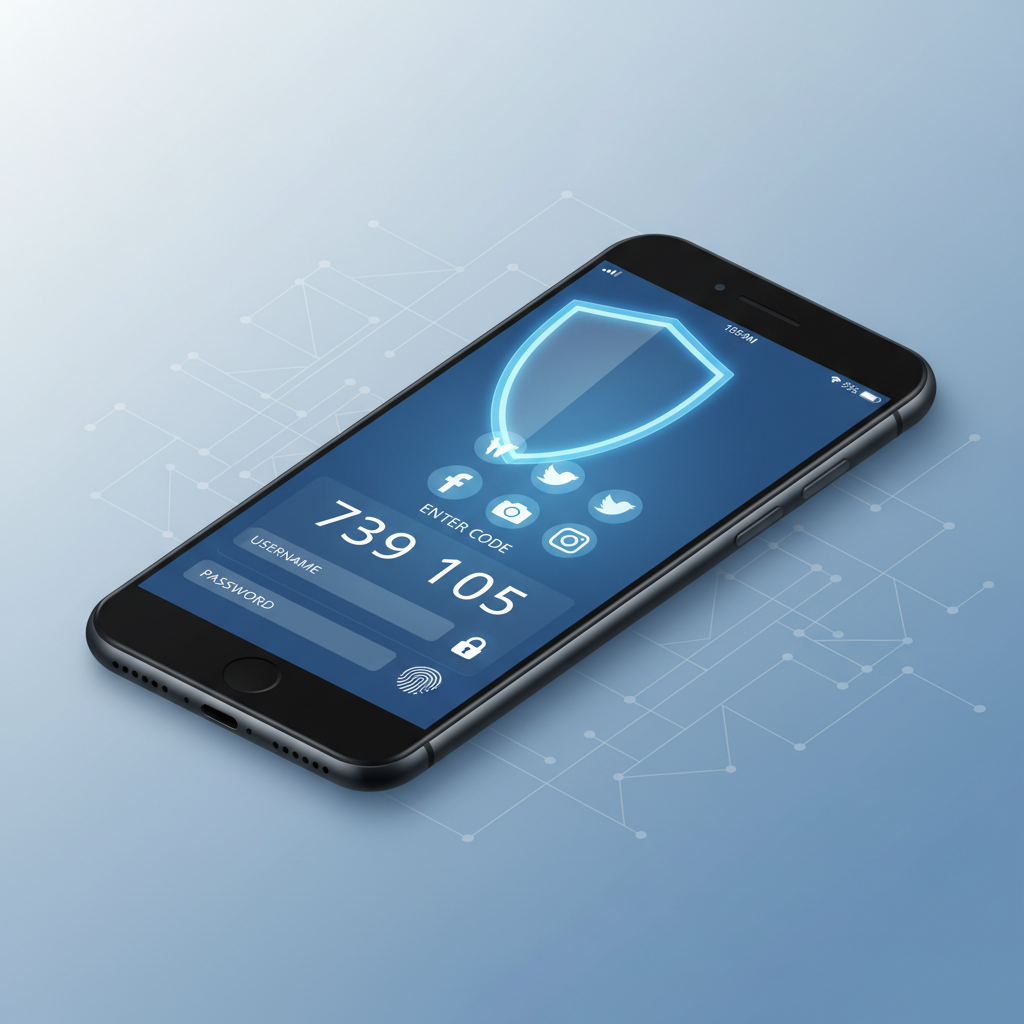
Why social media accounts get hacked (common real-world paths)
Most “hacks” are not movie-style exploits. They’re basic access attacks, where someone convinces a system you’re you, or steals a login you reused somewhere else.
- Password reuse: a breached password from another site gets tried on Instagram, Facebook, TikTok, X, or LinkedIn.
- Phishing: fake “copyright claim,” “verification,” or “security alert” pages that capture your password and 2FA code.
- SIM swap: attackers hijack your phone number to intercept SMS codes, often after social engineering a carrier.
- Session hijacking: malicious browser extensions, infected devices, or stolen cookies keep an attacker logged in.
- Weak recovery settings: old email addresses, no backup codes, or compromised email makes recovery easy for them, hard for you.
According to the Federal Trade Commission (FTC), phishing and impersonation scams are common ways criminals gain access or money using online accounts, and social media is a frequent launch point.
Quick self-check: are you an easy target right now?
Run this checklist honestly. If you say “yes” to two or more, your next 30 minutes should be account security.
- I use the same (or similar) password on multiple sites.
- I rely on SMS text codes for 2FA, or I don’t have 2FA enabled.
- I haven’t checked “logged-in devices/sessions” in months.
- My recovery email is old, shared, or I rarely sign into it.
- I click “appeal” or “verify” links from DMs/emails without double-checking URLs.
- I’m an admin on brand pages/ad accounts, and access isn’t tightly controlled.
If you’re protecting a business account, creator profile, or a page tied to ad spend, treat this as higher risk. Attackers tend to prioritize accounts that can run ads, message customers, or look “official.”
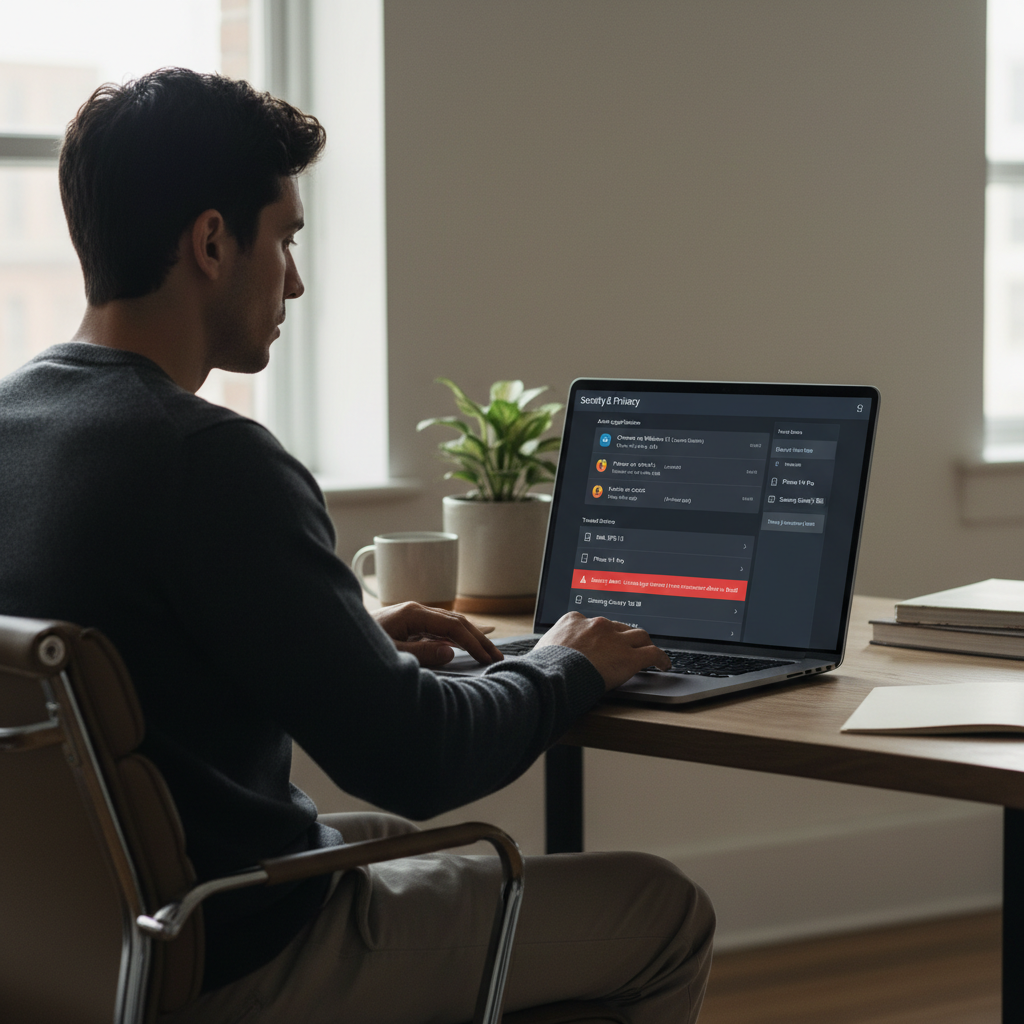
The foundation: passwords, passkeys, and 2FA that actually holds up
When people ask how to secure social media accounts from hackers, they often jump to “change your password.” Do that, yes, but do it in a way that prevents the next takeover.
Use a password manager and unique passwords
Unique passwords are still one of the highest ROI moves. A password manager helps you generate long random passwords without having to memorize them.
- Set passwords to long passphrases or manager-generated random strings.
- Change passwords on your email first, then social accounts (email is the reset key).
- Remove old saved passwords from browsers if you share devices.
Prefer passkeys or app-based authenticators over SMS
If the platform supports it, passkeys (device-based cryptographic login) can reduce phishing risk. If passkeys aren’t available, use an authenticator app (time-based codes) or a hardware security key.
According to the Cybersecurity and Infrastructure Security Agency (CISA), using phishing-resistant multi-factor authentication can significantly improve protection compared with passwords alone.
- Best: hardware security key or passkey (when available).
- Good: authenticator app (TOTP) or in-app prompts.
- Riskier: SMS codes (still better than nothing, but vulnerable to SIM swaps).
Save backup codes like you mean it
Backup codes are the thing you only care about after you’re locked out. Store them in your password manager or a secure offline location.
Lock down the “quiet doors”: email, phone number, and recovery settings
In many account takeovers, the attacker doesn’t “beat” the social platform, they beat your recovery chain.
- Secure your email account first: enable strong 2FA, review forwarding rules, and remove unknown devices.
- Update recovery email/phone: make sure you can access them today, not “I used to.”
- Turn on login alerts: notifications for new logins, password changes, and unfamiliar devices.
- Harden your phone line: add a carrier PIN, and ask about extra protections to reduce SIM-swap risk (availability varies).
If you manage multiple accounts, consider a dedicated email address used only for account administration. It’s less convenient, but it cuts down exposure from everyday inbox spam and phishing.
Cut off attacker persistence: sessions, devices, and third-party app access
Here’s a frustrating reality: even after a password reset, an attacker may still be logged in somewhere via an existing session. Don’t skip this part.
Review active sessions and sign out everywhere
- Open the platform’s Security or Where you’re logged in page.
- Sign out of unknown devices, then use “log out of all sessions” if available.
- Re-login only on devices you trust and keep updated.
Remove sketchy connected apps and browser extensions
Connected apps can be a backdoor. Same for browser extensions that can read pages or inject scripts.
- Revoke access for tools you don’t recognize or no longer use.
- Be wary of “analytics,” “verification,” or “growth hacking” tools asking for broad permissions.
- Audit browser extensions and uninstall anything you didn’t intentionally add.
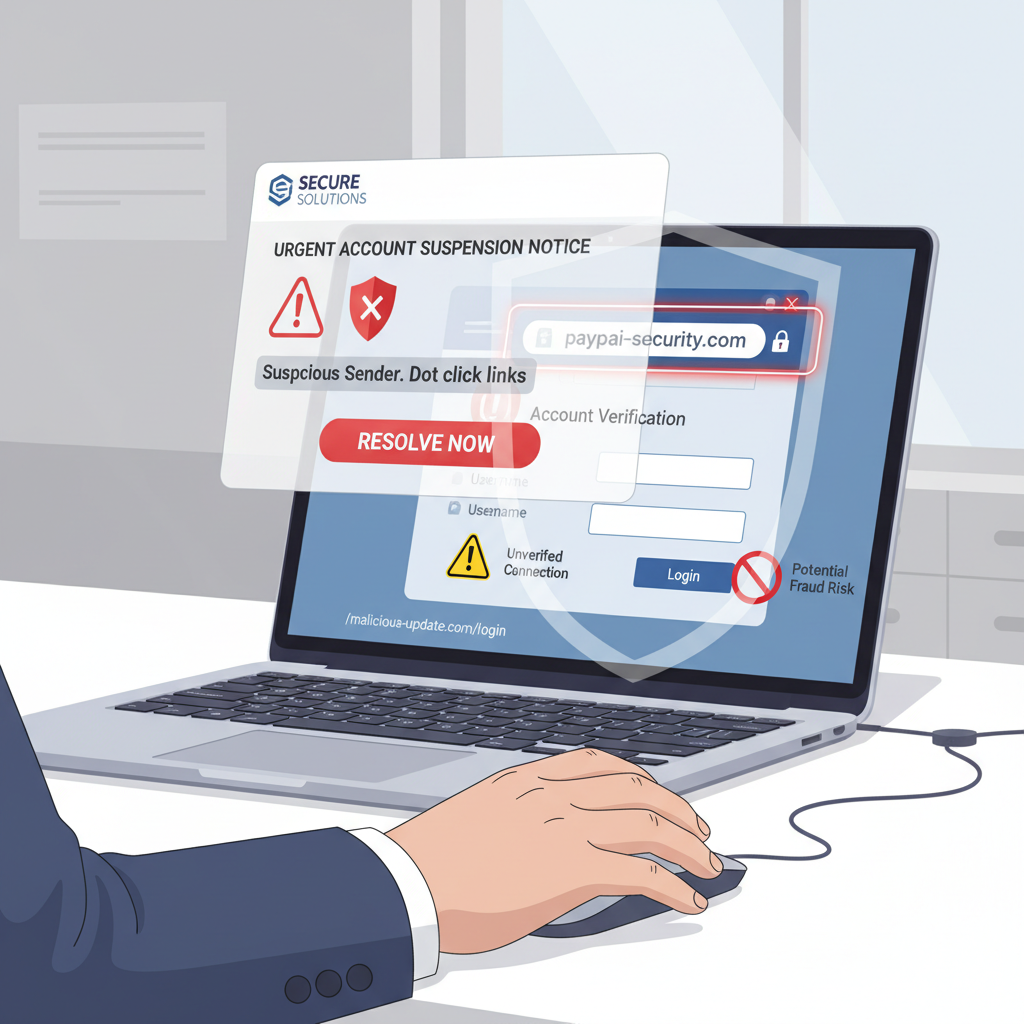
Anti-phishing habits that prevent most takeovers
Phishing works because it feels urgent. “Your account will be disabled,” “copyright strike,” “policy violation,” “verify now.” The goal is to rush you past your own judgment.
- Never log in from links in DMs, even if the sender looks official. Go to the app directly.
- Check the domain: small misspellings, weird subdomains, or URL shorteners are common.
- Don’t share 2FA codes: real support will not ask for them.
- Use in-app security notifications: many platforms show official messages inside settings.
If you’re on a team, write a simple rule: any “security” request gets verified in a second channel (Slack + phone call, or email + in-app check). It feels paranoid until it saves you.
Practical setup by account type (personal vs creator vs business)
Not every account needs the same controls. This quick table helps prioritize without turning your life into a compliance project.
| Account type | What attackers want | Security focus |
|---|---|---|
| Personal | Impersonation, scams via DMs | Strong 2FA, recovery email, login alerts |
| Creator / influencer | Follower trust, brand deals, verified status | Phishing resistance, device/session audits, dedicated admin email |
| Business / brand | Ad spend, page control, customer messaging | Role-based access, least privilege, security keys for admins |
For business accounts: tighten roles and access
- Limit admin roles to the smallest possible group.
- Use separate logins per person, avoid shared passwords.
- Remove ex-agencies and former employees immediately.
- Document recovery steps and who is allowed to contact platform support.
If you think you’re already compromised: a calm response plan
If something feels off, act quickly, but don’t panic-click random “recovery” links from email search results. Stick to official app settings and known support pages.
- Step 1: Secure your email account (password + 2FA), then check for forwarding rules you didn’t set.
- Step 2: Change social passwords and force logout of other sessions.
- Step 3: Enable stronger 2FA (authenticator/passkey/security key).
- Step 4: Remove unknown connected apps and devices.
- Step 5: Tell followers if scams were sent, keep it simple and specific (what to ignore, what not to click).
According to the FBI Internet Crime Complaint Center (IC3), reporting internet-enabled crime can help track patterns and support investigations, even if outcomes vary case by case.
If money moved, ads ran without permission, or identity documents were involved, consider contacting your financial institution and appropriate authorities, and you may want to consult a qualified professional for guidance.
Key takeaways you can implement today
- Upgrade authentication: passkeys or authenticator apps beat SMS in many situations.
- Protect the reset path: email security is non-negotiable for account protection.
- Kill old sessions: sign out everywhere, then rebuild access on trusted devices.
- Assume phishing is constant: use the app directly, not links in messages.
How to secure social media accounts from hackers is mostly about consistency, a few strong defaults, and refusing to negotiate with “urgent” messages. Pick two upgrades today: switch to stronger 2FA and audit active sessions, then schedule a monthly 5-minute check.
FAQ
How do I know if my social media account was hacked or just glitchy?
Look for clear signals: password reset emails you didn’t request, new devices in login history, posts/messages you didn’t send, or profile details changed. A temporary outage usually won’t create those artifacts.
Is SMS two-factor authentication enough for social media security?
SMS codes are better than no second factor, but many security teams consider them less resilient because of SIM-swap and number-port attacks. If your platform offers app-based codes, passkeys, or a security key, it’s usually worth upgrading.
What’s the fastest way to secure social media accounts from hackers after a breach?
Start with your email account, then reset social passwords and sign out of all sessions. After that, enable stronger 2FA and remove unknown connected apps to prevent the attacker from slipping back in.
Can a hacker stay logged in even after I change my password?
Yes, in some cases an existing session can remain active until you explicitly revoke it. That’s why “log out of all devices” and session reviews matter.
Do password managers make me less safe if they get hacked?
Any tool has tradeoffs, but using a reputable manager with a strong master password and its own 2FA can reduce risk compared with reused passwords. If you’re in a high-risk role, consider layered protections like security keys.
How can businesses reduce the risk of Instagram or Facebook page takeovers?
Limit admin access, avoid shared credentials, require stronger MFA for admins, and remove third-party access you don’t actively need. Many takeovers start with one weak team login, not the main brand account.
Should I pay someone who says they can “recover” my hacked account?
Be careful. “Account recovery” offers are often scams, especially if they ask for upfront payment, your codes, or remote access. It’s generally safer to use official recovery flows and verified support channels.
If you’re trying to secure multiple profiles, manage a team, or you keep getting targeted by convincing phishing messages, you may want a more streamlined setup with a documented checklist and tighter admin access, so security doesn’t depend on one person remembering every setting.