
Best Smart Plugs for Home Automation 2026: What Actually Matters
Best smart plugs for home automation come down to three things most buyers feel after week one: reliability, the right smart-home standard, and an app experience you won’t hate. If your plug drops offline, won’t pair, or needs constant reboots, the “cheap win” turns into daily friction.
Smart plugs look simple, but in real homes they sit at the intersection of Wi‑Fi congestion, voice assistants, automations, and safety. Buy the wrong model and your schedules fail, energy tracking goes missing, or you discover too late that your ecosystem doesn’t support local control.
This guide focuses on how to pick plugs that keep working in 2026, how to match them to Alexa/Google/HomeKit/Home Assistant, and a few “wish someone told me” checks before you hit Buy.
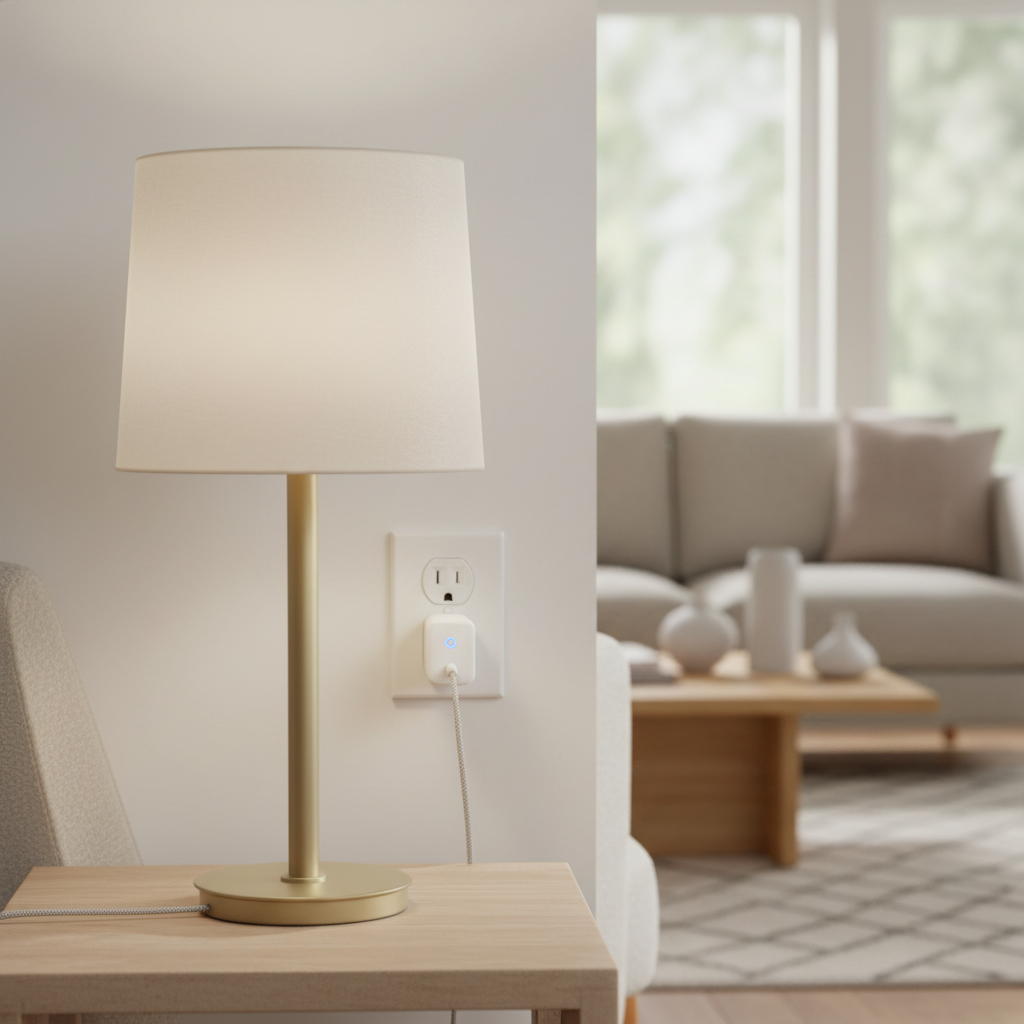
Quick take: the feature checklist that decides 90% of outcomes
If you want a fast filter before diving into models, use this. It’s the difference between “set it and forget it” and “why is the plug offline again?”
- Standard: Matter (often over Wi‑Fi) or Thread, versus legacy Wi‑Fi-only.
- Platform fit: Alexa, Google Home, Apple Home, SmartThings, Home Assistant.
- Local control: Whether automations keep running when internet hiccups.
- Size: Won’t block the second outlet; important on power strips too.
- Rated load: Commonly 15A, but your device type matters (heaters, pumps, motors).
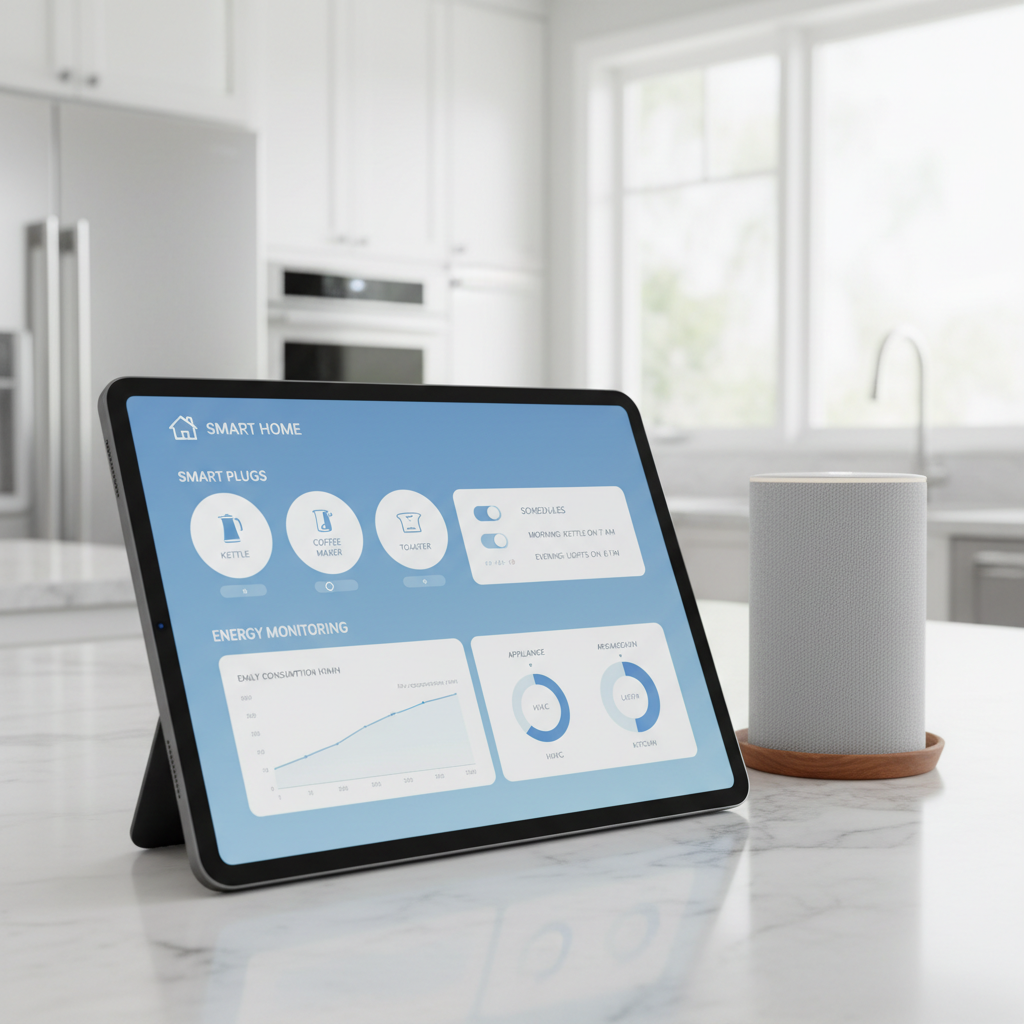
- Energy monitoring: Helpful for appliances, dehumidifiers, or “mystery usage.”
- Scheduling options: Sunrise/sunset, away mode, randomization for lights.
Key point: the “best smart plugs for home automation” are usually the ones that match your ecosystem and stay online, not the ones with the longest feature list.
Why smart plugs fail in real homes (and how to avoid it)
Most disappointment isn’t about a defective unit, it’s about mismatch. A plug that’s fine in a small apartment can struggle in a busy household network with cameras, TVs, and mesh nodes.
- 2.4 GHz congestion: Many plugs rely on 2.4 GHz Wi‑Fi. In crowded neighborhoods, interference can make devices “randomly” drop.
- Router/mesh quirks: Band steering, client isolation, or aggressive roaming can break pairing and stability.
- Cloud dependency: Some brands route automations through the cloud, so a service hiccup can delay or stop schedules.
- Load type mismatch: A plug rated 15A may still be a bad fit for certain motor loads. It might work, then fail early.
- Outlet spacing: Oversized housings block neighboring sockets, pushing people into unsafe adapters.
According to the U.S. Consumer Product Safety Commission (CPSC), overloaded circuits and improper use of electrical devices can contribute to household electrical hazards, so it’s worth checking ratings and avoiding sketchy adapters for “just one more outlet.”
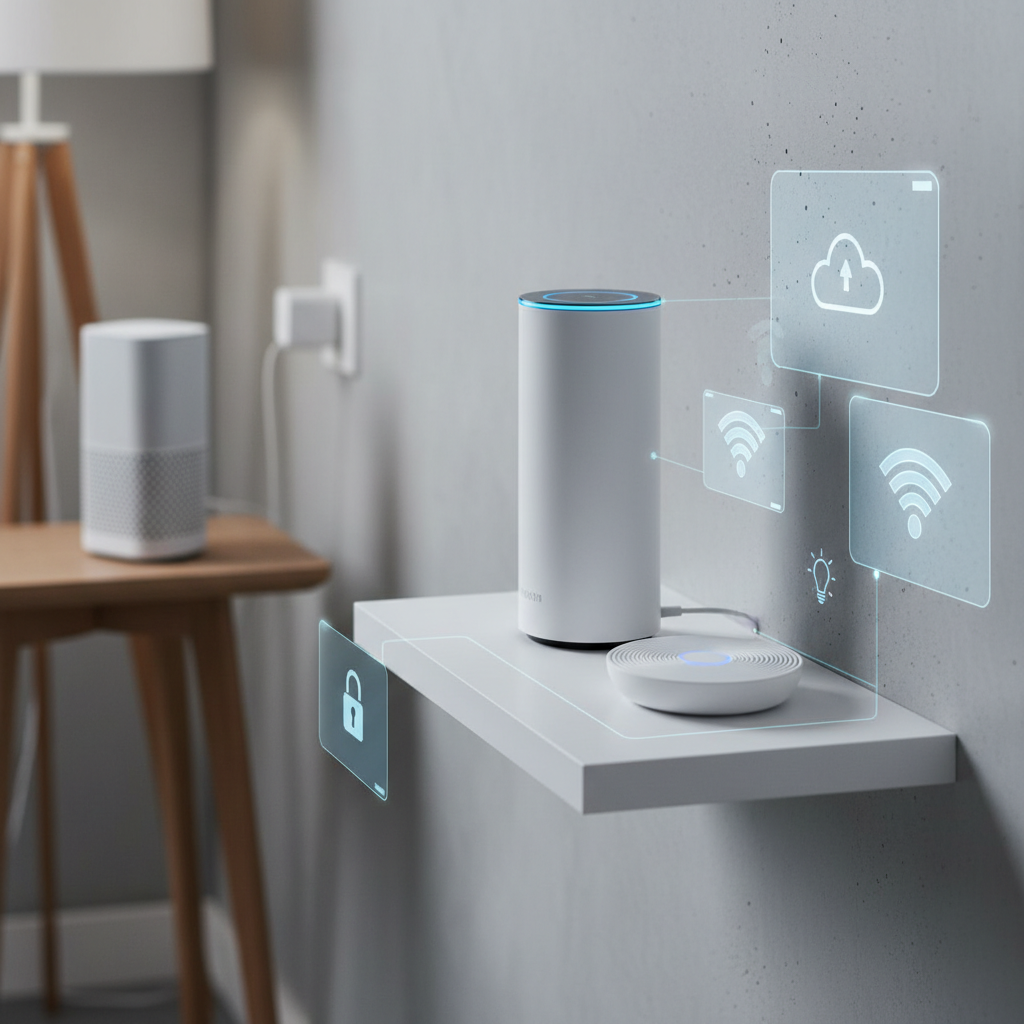
Best smart plugs for home automation 2026: top picks by use case
I’m not assuming one “winner” for everyone, because the right answer changes with HomeKit vs Alexa vs Home Assistant, and whether you care about energy data. Instead, here are picks by scenario you can actually map to your home.
If you want the simplest cross-platform setup: choose Matter-certified plugs
Matter support usually reduces the “which app works with what” headache. You still need a compatible controller (for example, an Apple Home hub, certain Google/Nest hubs, Alexa devices, or SmartThings), but once it’s in, daily control tends to be smoother.
- Best for: mixed households (iPhone + Android), future-proofing, basic on/off automations
- Watch for: whether the plug is Matter-over-Wi‑Fi vs Matter-over-Thread, and whether your hub supports Thread if you want it
If you care about speed and reliability: Thread-based plugs (when your home supports Thread)
Thread devices can feel “instant” and stay stable when Wi‑Fi is busy, but they require a Thread border router in your ecosystem. Many newer smart speakers and hubs include it, but not all, so it’s a quick compatibility check before buying.
- Best for: homes with many smart devices, automations you rely on daily
- Watch for: border router presence, and whether your platform exposes the features you want
If you want energy monitoring: Wi‑Fi plugs with solid power reporting
Energy monitoring is still more common on Wi‑Fi models. For many households, it’s the easiest way to catch a power-hungry space heater, a freezer that’s cycling oddly, or to estimate dehumidifier cost.
- Best for: tracking kWh, cost estimation (app-based), spotting always-on standby loads
- Watch for: calibration accuracy varies by brand, and some platforms don’t surface energy data outside the vendor app
If you use Home Assistant: prioritize local-first options
Home Assistant users often care less about a pretty app and more about local integrations and consistent device behavior. In practice, “local-first” reduces the chance your automations break when a cloud service changes.
- Best for: advanced automations, reliability, long-term maintainability
- Watch for: whether the device requires an account, and whether local control is officially supported or community-reliant
Comparison table: what to pick based on priorities
This table is intentionally practical. If you tell me your ecosystem and whether you need energy tracking, the shortlist gets small fast.
| Priority | What to choose | Why it works | Trade-offs |
|---|---|---|---|
| Cross-platform flexibility | Matter-certified smart plug | Easier interoperability across major platforms | Feature depth can vary by platform |
| Maximum stability | Thread smart plug (with border router) | Less Wi‑Fi congestion, fast response | Needs Thread-capable hub/device |
| Energy monitoring | Wi‑Fi smart plug with power metering | kWh data for appliances and troubleshooting | Often vendor-app dependent |
| Advanced automation | Local-first plug compatible with Home Assistant | Automations can keep running during internet issues | Setup complexity may be higher |
| Lowest cost for basics | Simple Wi‑Fi on/off plug | Cheap and fine for lamps | More prone to cloud/app friction |
How to choose the right plug for your home (a quick self-check)
Before comparing brands, answer these. It prevents buying a plug that “works” but doesn’t fit your daily routine.
- Which ecosystem do you actually use daily? Apple Home, Alexa, Google Home, SmartThings, Home Assistant, or a mix.
- Do you need remote control during internet outages? If yes, look for local control and a hub that supports it.
- What are you plugging in? Lamp, coffee maker, fan, dehumidifier, holiday lights, aquarium gear.
- Do you need energy data? If your goal is savings or troubleshooting, energy monitoring is worth paying for.
- Is outlet space tight? Measure, especially for duplex outlets and power strips.
- How “noisy” is your Wi‑Fi? Lots of devices, older router, or crowded apartment building pushes you toward Thread or a better network.
If you’re unsure, a Matter plug is often a safe baseline for many households in 2026, but a Thread option can feel better if your setup already supports it.
Setup that sticks: practical steps for reliable automations
Getting a plug online is easy. Keeping it stable is the part people underestimate. These steps usually reduce 80% of the “offline” problems.
Network and pairing tips
- Use 2.4 GHz intentionally for Wi‑Fi plugs, and avoid guest networks that isolate devices.
- Name devices clearly like “Living Room Lamp Plug,” especially if you use voice control.
- Reserve DHCP addresses in your router if your network tends to reshuffle devices.
- Keep firmware updated, but if you run a mission-critical automation, consider updating in batches, not all at once.
Automation patterns that feel “smart” without being fragile
- Sunset lighting: turn on a lamp 20 minutes before sunset, off at bedtime.
- Away randomization: random on/off windows for a few lamps, not your whole house.
- Energy alerts: notify if a device draws power when it shouldn’t, helpful for irons or space heaters.
According to NIST, reducing unnecessary connectivity and keeping devices updated are common best practices for connected device security, so don’t skip the basics like strong Wi‑Fi passwords and updates.
Safety notes and common mistakes (where people get burned)
Smart plugs are not a free pass to automate anything with a cord. A few guardrails keep things safer and reduce premature failures.
- High-wattage heaters: Many smart plugs claim 15A, but continuous heater loads can run hot. Follow the manufacturer rating, and if you’re unsure, it’s reasonable to ask a licensed electrician.
- Motor loads: Pumps, compressors, or some older fans can draw a startup surge. Some plugs handle it fine, others don’t.
- Do not chain adapters: If the plug blocks outlets, choose a slimmer model instead of stacking extenders.
- Outdoor use: Only use plugs rated for outdoor, wet locations, and protect the connection point from water.
Also, check whether the device supports restore state after power outage. In many homes, “always on after outage” is a bad surprise for heaters or tools.
Conclusion: a simple way to buy with confidence in 2026
If your priority is smooth compatibility, start with a Matter-certified plug and keep the use case simple, lights and small appliances. If you already have Thread support and you’re tired of Wi‑Fi flakiness, a Thread plug tends to feel more dependable for everyday automations.
Two next steps that pay off fast: pick one plug to test in your hardest location first, then standardize on the model that stays online and matches your ecosystem. That approach usually beats buying a bargain multi-pack and troubleshooting for weeks.
If you’re shopping for the best smart plugs for home automation, optimize for stability and platform fit first, then pay extra for energy monitoring only when you’ll actually use the data.