
Best budget wired earbuds with mic can sound surprisingly good on calls, but only if you shop with the microphone in mind, not just the audio specs on the box.
A lot of “cheap but decent” earbuds fail in the same ways, muffled voice, harsh sibilance, or a mic that collapses the moment you step outside. The good news is you can usually avoid the worst picks by paying attention to a few practical details most listings hide in the fine print.
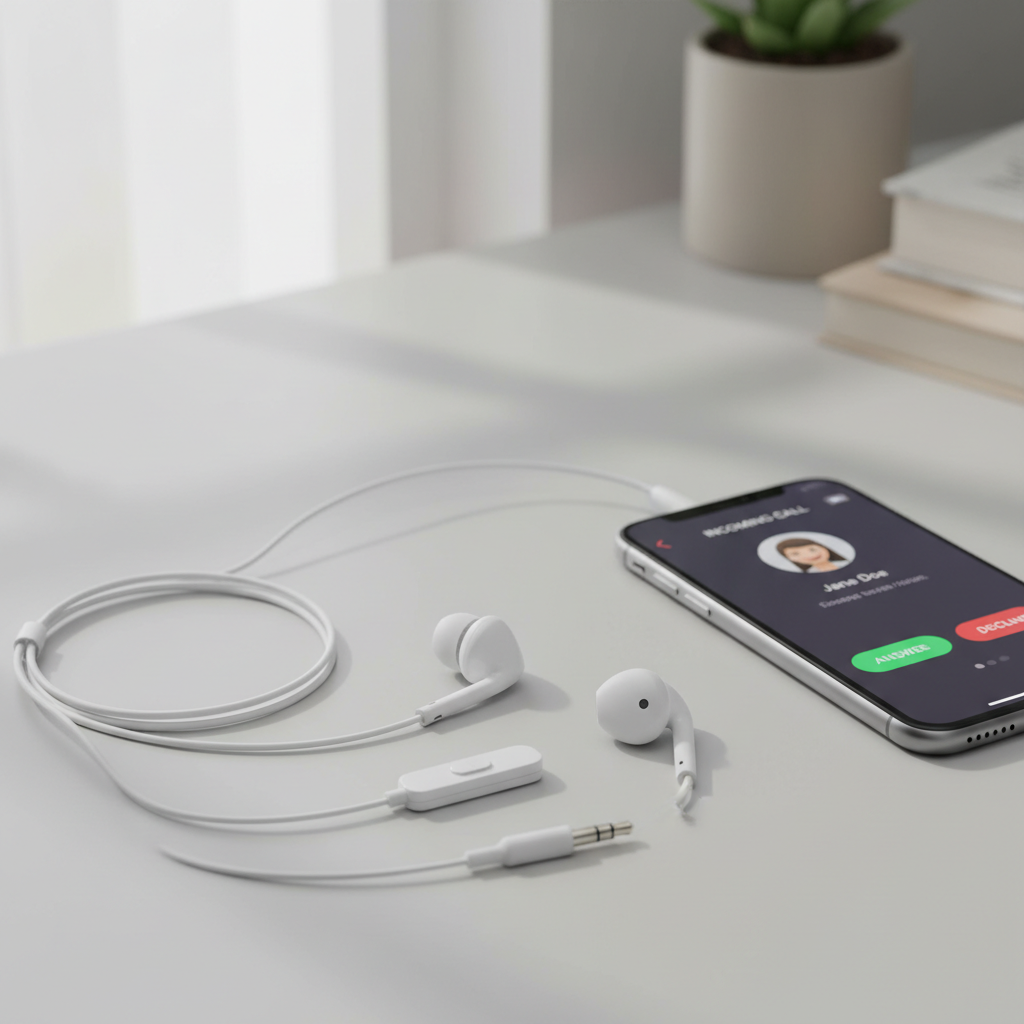
This guide focuses on what improves mic clarity in real life, how to tell whether your phone or laptop might be the real bottleneck, and which features matter more than brand names when you’re keeping the budget tight.
What “clear microphone” really means (and why it’s hard on a budget)
When people say a mic is “clear,” they usually mean your voice stays intelligible without sounding underwater, thin, or distorted, even with some background noise.
On wired earbuds, mic clarity tends to be limited by a few unglamorous factors: mic placement (inline vs on-cable distance), the quality of the tiny capsule inside the control pod, and how the cable transmits rubbing noise straight into the mic.
- Inline mic position: If the mic sits too high on the cable, it often points away from your mouth, clarity drops fast.
- Wind and street noise: Many budget models have little to no wind management, so outdoors calls can sound rough.
- Cable noise (microphonics): The “thump-thump” you hear when the cable taps your jacket often shows up in your recording too.
- Device input quality: A great mic can still sound mediocre through a noisy laptop headphone jack.
According to Apple Support, iPhone compatibility for wired headsets typically requires a Lightning or USB-C adapter, and adapter quality can affect audio accessories behavior. In practice, that means your adapter choice can matter as much as the earbuds.
Quick self-check: are your earbuds the problem, or your device?
Before buying anything, it’s worth figuring out where the call quality breaks. This takes five minutes and saves you from replacing earbuds that were never the root cause.
Fast diagnostics (no special apps required)
- Record a voice memo using the earbuds mic, then record again using the phone’s built-in mic. If the built-in mic is clearly better, your earbuds (or adapter) are likely the issue.
- Try a different port: On laptops, test both the combined headset jack and any USB audio dongle you already have.
- Check input selection: In Zoom/Teams, make sure the “Headset microphone” is actually selected, many “bad mic” reports are just wrong input device.
- Rub test: Lightly rub the cable near the inline mic while recording. If the rub dominates, microphonics will hurt calls on the move.
If everything sounds fine indoors but falls apart outside, you’re probably dealing with wind and background noise rather than “low quality.” In that case, buying the right style matters more than chasing a specific spec.
Buying criteria that matter most for budget wired earbuds with mic
Shopping listings can be messy, so it helps to use a short set of filters. For most people looking for best budget wired earbuds with mic, these are the levers that actually move the needle.
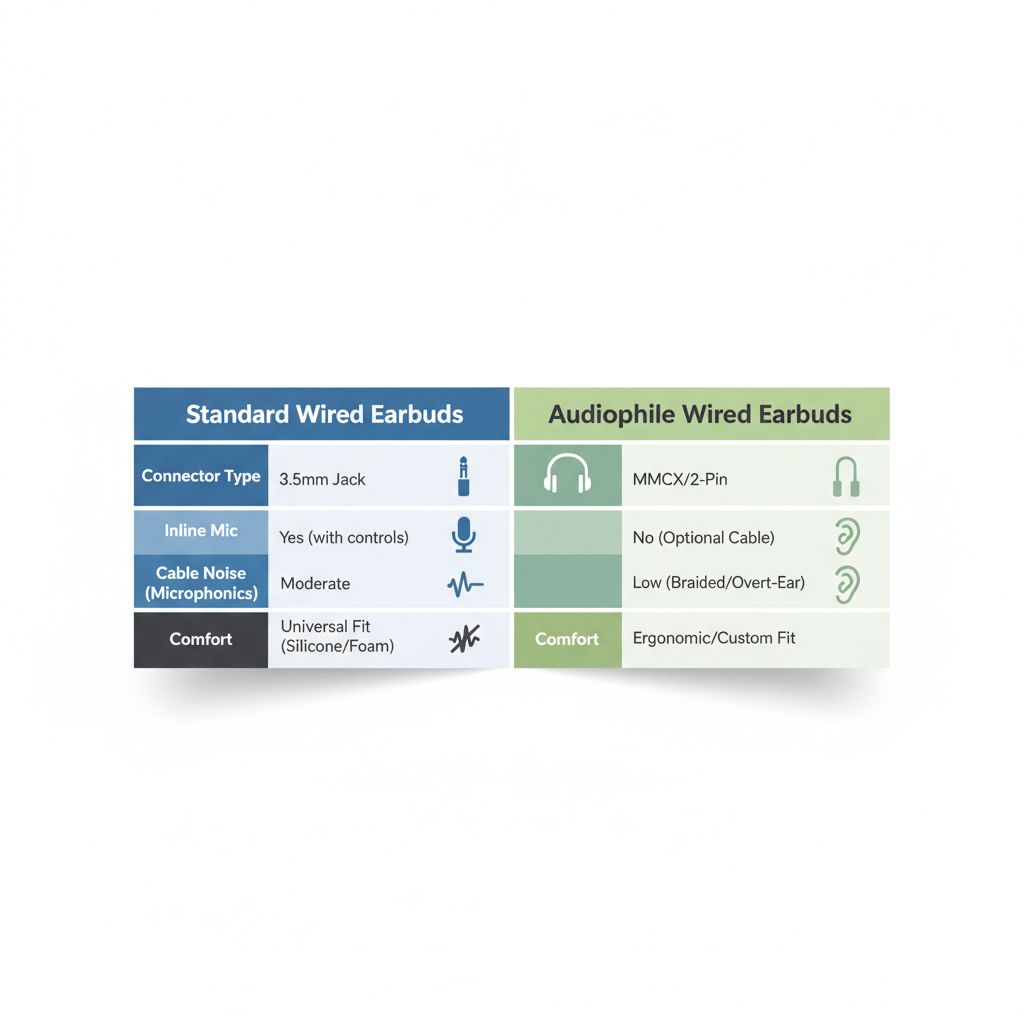
1) Connector: 3.5mm, USB-C, or Lightning
- 3.5mm TRRS is simplest for many laptops, older phones, game controllers, and some Android devices.
- USB-C can be more consistent on newer phones and some laptops because it uses a small built-in DAC (digital-to-analog converter) inside the cable.
- Lightning is mainly for older iPhones or iPads without USB-C.
If your phone needs an adapter, prioritize a reputable one, a flaky adapter often causes low volume, crackle, or the mic not being recognized.
2) Inline controls and mic placement
One-button remotes are usually the safest bet across devices. Three-button remotes (volume up/down) can be hit-or-miss depending on whether the wiring standard matches your phone.
3) Fit and seal (yes, it affects your mic experience)
Even though the mic sits on the cable, poor ear seal makes you talk louder to compensate, which can push cheap mics into distortion. If you tend to use earbuds in loud environments, consider in-ear tips that seal well.
4) Cable design and microphonics
Flat or braided cables sometimes reduce tangles, but they can still transmit noise. A small shirt clip can help more than you’d expect because it stabilizes the mic module.
Comparison table: what to prioritize by use case
There’s no single “perfect” pick, so match features to how you actually take calls.
| Use case | Top priority | Nice to have | Common mistake |
|---|---|---|---|
| Work calls at a desk | Comfort for 1–2 hours, stable connector | USB-C version for newer laptops | Assuming any 3.5mm jack has clean mic input |
| Commuting and sidewalks | Wind-resistant mic behavior (practically: less harsh outdoors) | Shirt clip, snug in-ear seal | Buying “bass-heavy” earbuds and expecting clearer voice |
| Students and remote classes | Simple controls, reliable mic recognition | Extra ear tips for fit | Three-button remote that doesn’t work on Chromebook |
| Gaming chat (casual) | TRRS compatibility with controller/laptop | Longer cable | Using TRS (no mic) by accident |
Practical picks: 5 styles that usually work well on a budget
I’m not going to pretend there’s one magic model that fits everyone, prices change constantly, and “budget” means different things. Instead, here are the styles that tend to deliver the best value when you want best budget wired earbuds with mic and fewer surprises.
- USB-C earbuds with built-in DAC: Often more consistent on modern phones, fewer adapter headaches.
- Simple 3.5mm TRRS earbuds with one-button remote: Maximum compatibility across older devices, good for students.
- In-ear (silicone tips) with stable fit: Better seal helps you speak naturally at lower volume, calls feel cleaner.
- Earbuds with a shirt clip: Low-cost accessory, reduces cable rub noise near the mic.
- “Office spare” pair: A second pair kept at your desk prevents last-minute failures and reduces wear-and-tear on your daily carry pair.
If you’re comparing two similarly priced options, I’d usually pick the one with fewer “features” but clearer compatibility notes (TRRS, USB-C audio supported, etc.). Fancy marketing terms rarely translate to a cleaner mic at $10–$25.
Setup tips to get clearer calls (even before you upgrade)
Small tweaks can make a cheap mic sound noticeably better. This is the unsexy part, but it works.
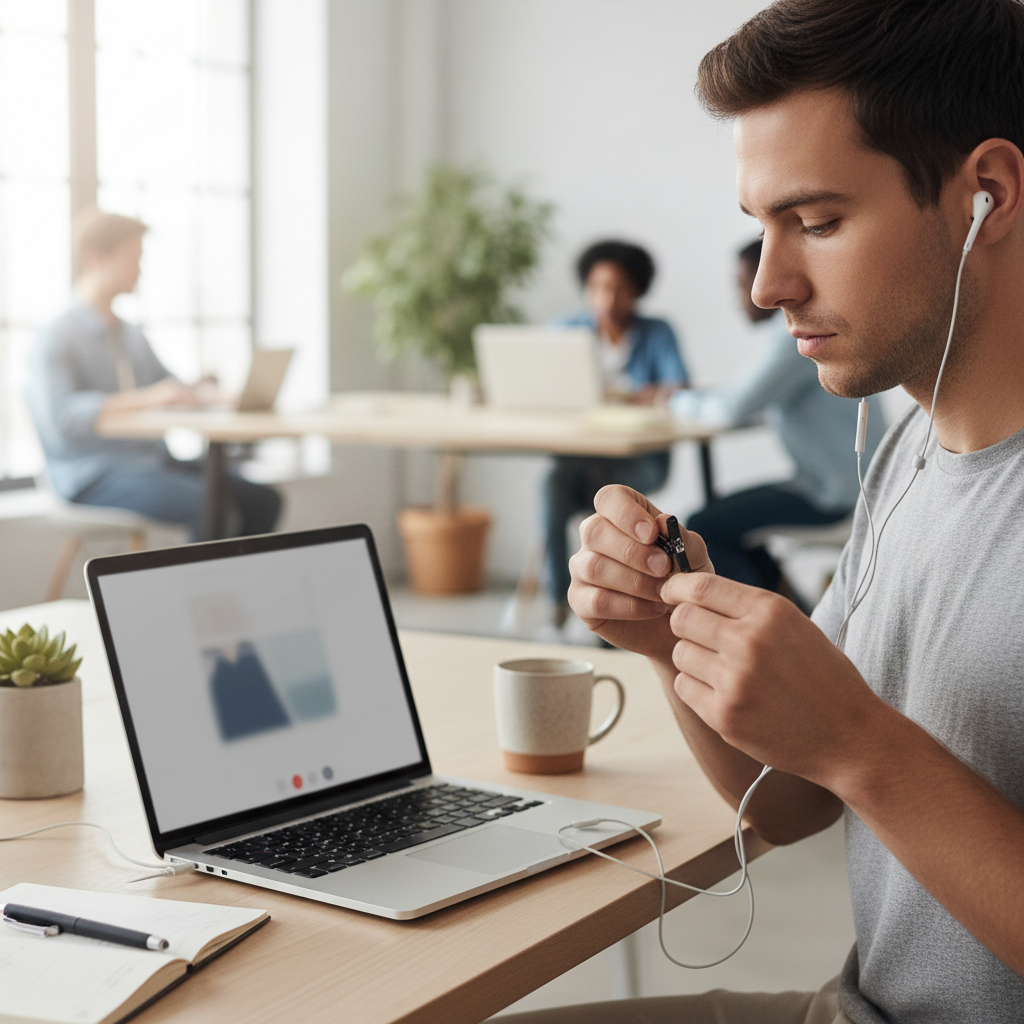
- Clip the mic about 6–8 inches below your chin, so it faces your mouth, not your chest.
- Turn your head less when speaking, inline mics can “lose” you when you look away.
- Reduce rubbing: Run the cable under your jacket or use a clip to stop it bouncing.
- In Zoom/Teams: Disable “Automatically adjust microphone volume” if it pumps volume up and down, then set input level manually.
- On iPhone with adapter: If the mic randomly stops, unplug/replug and clean the port area carefully; lint can cause incomplete connections.
According to Microsoft Support, selecting the correct microphone device in Teams and adjusting sensitivity/levels can improve call clarity. It sounds obvious, but it’s one of the most common real-world fixes.
Common traps (what wastes money fast)
- Buying a TRS plug by accident: It looks like 3.5mm but lacks the extra ring for microphone support, the mic simply won’t work.
- Assuming “noise canceling mic” equals outdoor clarity: Many budget claims are marketing, wind is still a problem.
- Overpaying for “hi-res audio”: Great for music, but it rarely improves voice pickup on calls.
- Ignoring your adapter: A poor Lightning/USB-C dongle can be the whole issue.
If you keep getting complaints that you sound “far away,” it’s usually mic placement or wrong input device, not a mysterious defect.
When to consider professional help or a different solution
If you’re taking frequent client calls, interviewing for jobs, or recording anything that matters, a budget earbud mic may still feel limiting. At that point, it can make sense to consider a basic USB desktop mic or a wired headset with a boom mic.
Also, if you suspect hearing issues or you’re consistently turning volume up very high, it may be worth discussing safe listening habits with a healthcare professional. Most people just need a better fit, but it’s not something to guess at if discomfort shows up.
Key takeaways (so you can buy fast)
- Prioritize compatibility (TRRS vs USB-C vs Lightning) before brand.
- Inline mic placement and cable noise explain a lot of “bad mic” experiences.
- Adapters matter, especially for iPhone users.
- Match features to your use case: desk calls vs commuting calls need different tradeoffs.
Conclusion: a smarter way to choose budget wired earbuds with a clear mic
If you want best budget wired earbuds with mic, focus less on bold packaging claims and more on the boring stuff: the right connector for your devices, a stable inline mic position, and a setup that avoids cable rub. Pick one style that matches your daily calling environment, then test it with a quick recording before the return window closes.
If you’re shopping today, start by deciding “USB-C vs 3.5mm TRRS,” then choose the simplest control layout you can live with. That one decision alone tends to eliminate most frustration.
FAQ
What are the best budget wired earbuds with mic for Zoom calls?
Look for reliable device recognition first: USB-C earbuds on modern laptops can be more consistent, while 3.5mm TRRS works well if your laptop jack is clean. Comfort matters too, because a painful fit makes you constantly adjust and bump the mic cable.
Do USB-C wired earbuds usually have a clearer microphone than 3.5mm?
Not always, but USB-C models can be more predictable because they don’t rely on the quality of your device’s analog mic input. If you’ve had random buzzing or low mic volume on 3.5mm, USB-C is often worth trying.
Why do my wired earbuds microphone sound muffled on iPhone?
The most common culprit is the adapter or an incomplete connection. Try a different adapter, clean the port area carefully, and confirm the phone is actually using the headset mic (a quick voice memo test helps).
How can I reduce wind noise on a wired earbud mic?
Position the mic closer to your collar, route the cable under clothing to stabilize it, and turn slightly away from direct wind. If you take lots of outdoor calls, a boom-mic headset may still outperform inline mics.
What does TRRS mean and why does it matter?
TRRS is the 3.5mm plug style that supports microphone and controls. If you buy a TRS plug by mistake (one less ring), you might get audio but no mic, which feels like a “defect” even though it’s just the wrong connector.
Are inline mic earbuds good enough for job interviews?
They can be, in a quiet room, with stable mic placement and a quick test recording beforehand. If the interview is high-stakes or you’re in a noisy home, a simple USB headset with a boom mic is a safer bet.
Why does my mic get quieter when I speak louder?
Some apps and devices use automatic gain control, which can “pump” volume up and down. Try disabling auto mic adjustment in your call app and set the input level manually so your voice stays steady.
If you’re stuck deciding between a couple of cheap options, list your devices (iPhone with adapter, Android USB-C, laptop 3.5mm) and where you usually take calls, then pick the simplest compatible pair and test it immediately, that’s the most reliable way to end up with a mic you won’t apologize for.