
Best budget laptop sleeves and cases are usually the fastest way to stop daily scuffs, zipper dings, and bag spills from turning into expensive repairs. If you toss your laptop into a backpack, commute on public transit, or move between classrooms and coffee shops, a decent sleeve or case often matters more than people expect.
The tricky part is that “cheap” can mean two very different things, either a simple sleeve that does its job, or a flimsy cover that fits poorly and fails when you need it. Price alone won’t tell you which one you’re buying, so it helps to know what to check in under two minutes.
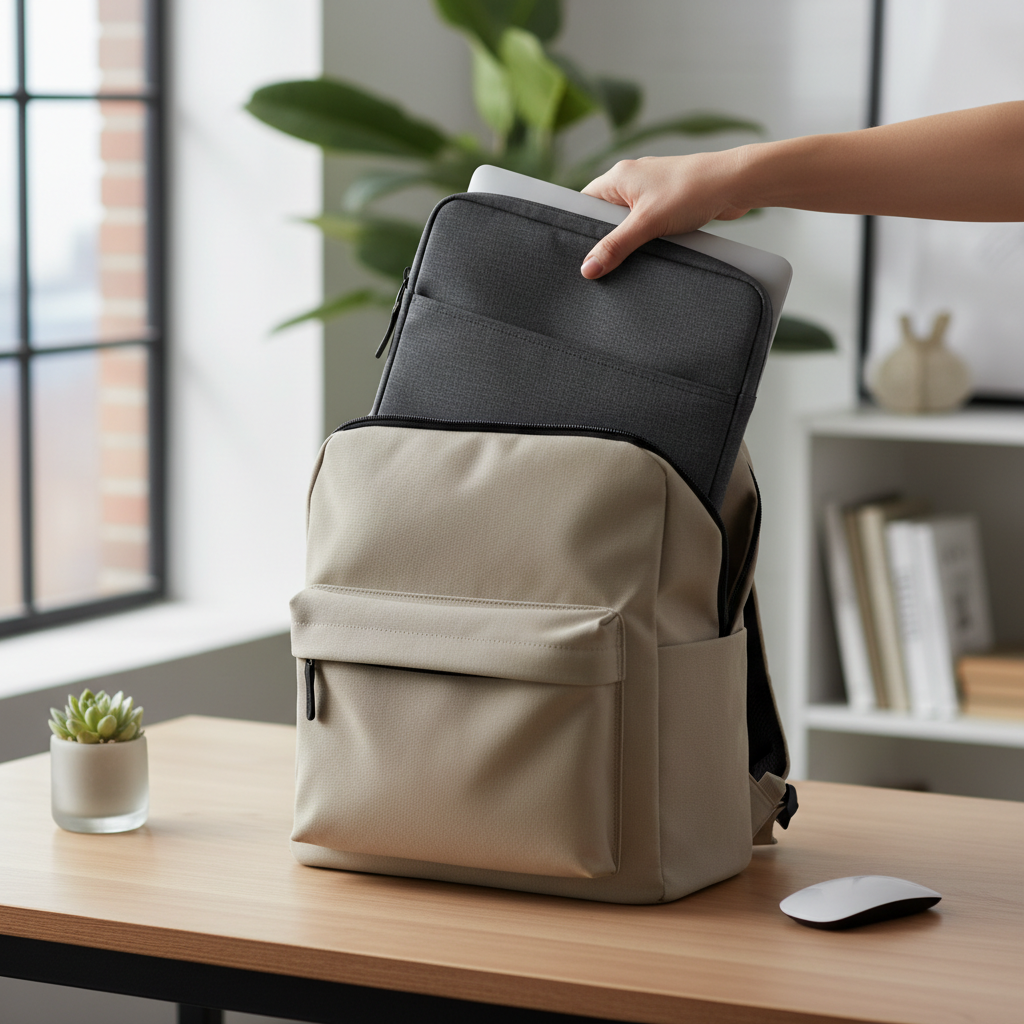
This guide focuses on value, not hype, with practical checks for fit and padding, a quick comparison table, and a few “buy this style if you do that” recommendations. You’ll also see where spending a little more is actually worth it, and where it’s not.
Quick comparison: sleeves vs cases vs hard shells
If you only read one section, make it this one, because most wrong purchases come from picking the wrong category, not the wrong brand.
| Type | Best for | Protection level | Typical budget range | Common downside |
|---|---|---|---|---|
| Neoprene sleeve | Backpack carry, light knocks | Low–Medium | $10–$20 | Less corner protection |
| Padded fabric sleeve | Daily commuting, briefcase carry | Medium | $15–$30 | Bulk varies a lot |
| Sleeve with handle | Carry laptop alone | Medium | $18–$35 | Handle adds weight |
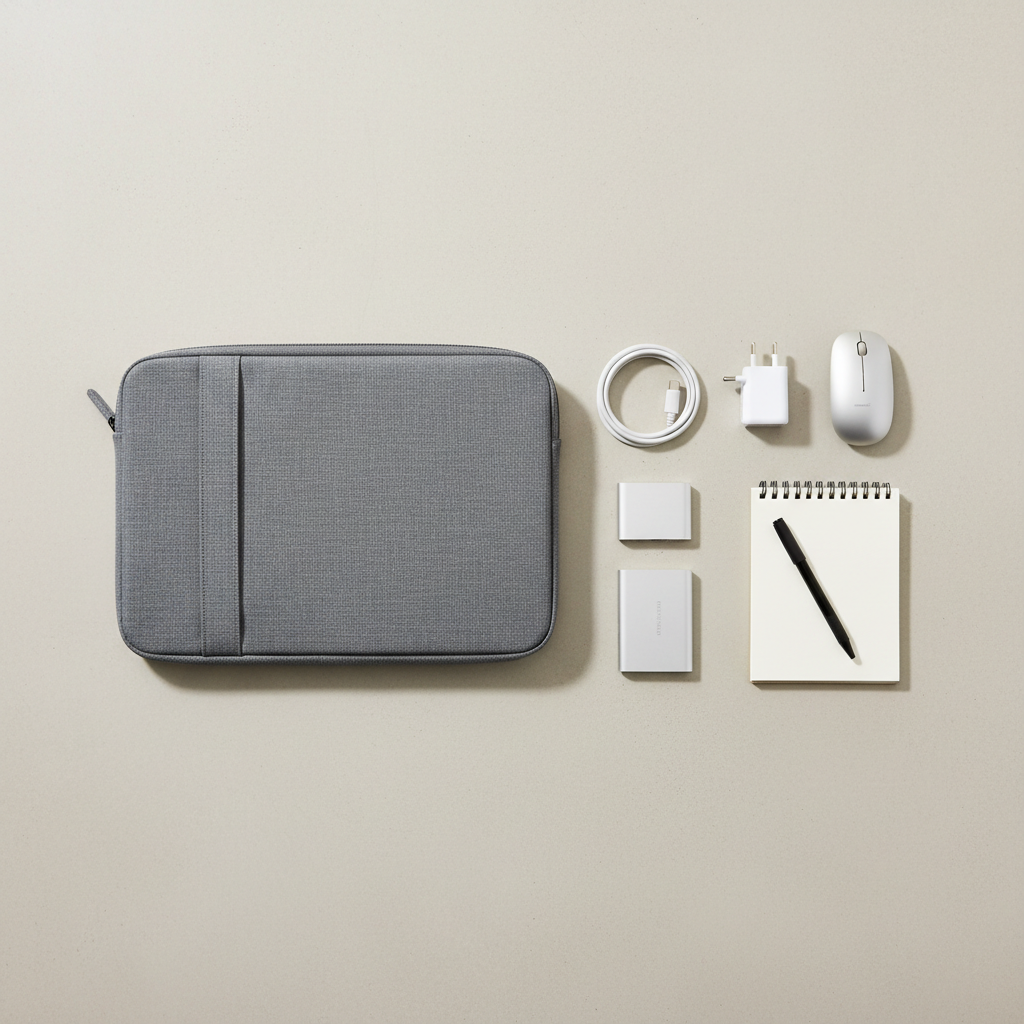
| Folio-style case (zip + pockets) | Carry charger, mouse, notebook | Medium | $20–$40 | Pockets can press on laptop |
| Hard shell (snap-on) | Scratch protection while using | Low for drops, High for scratches | $15–$35 | Fit can be model-specific |
Key takeaway: sleeves help most with bag friction and minor impacts, folios help with “everything in one piece,” hard shells help with scratches while the laptop is open, but rarely help much with a real drop.
What “budget” protection really means (and what it can’t do)
Budget protection is about reducing everyday damage, not making a laptop indestructible. Many sleeves cushion bumps, prevent scratches, and keep grit out of ports, but they don’t replace careful handling.
Also, protection is not just padding thickness, it’s padding placement. Corner reinforcement matters because corners tend to take the hit first when a bag swings into a table edge.
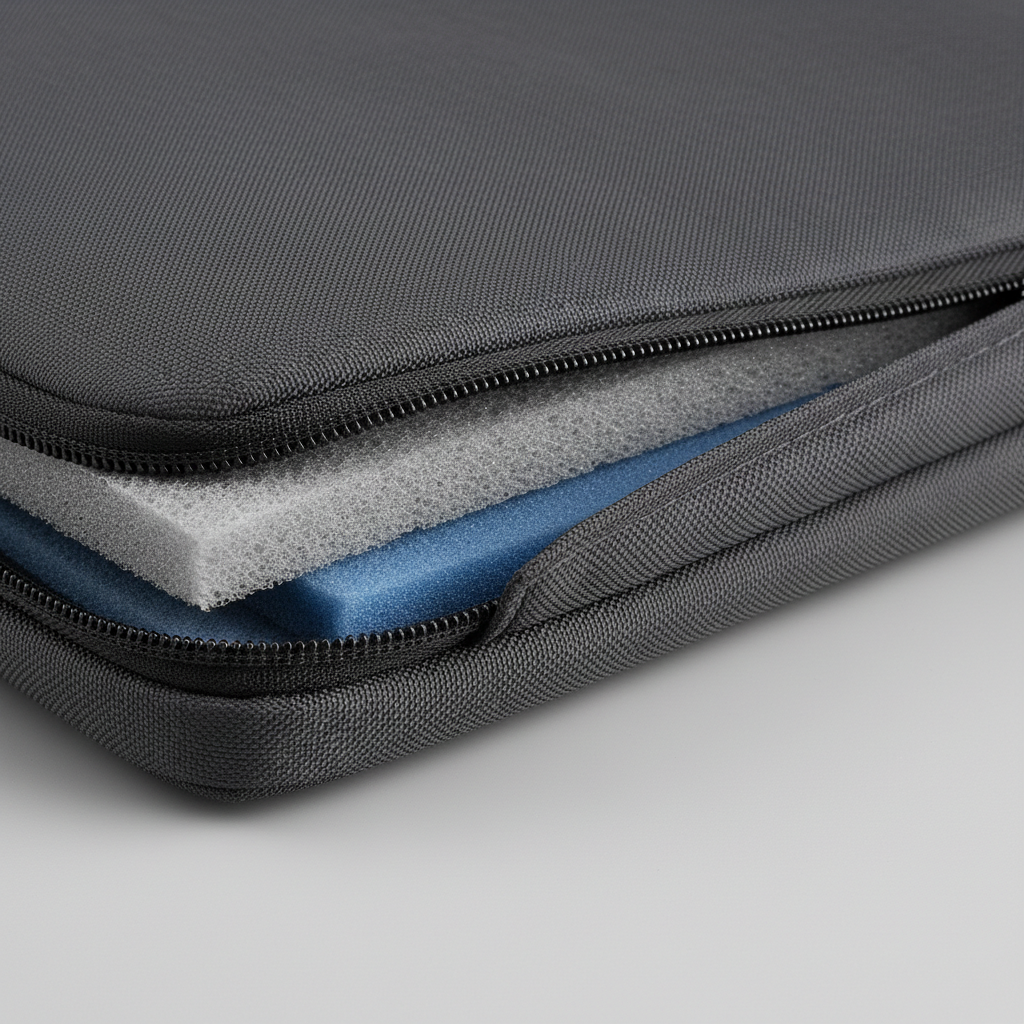
And one more reality check, water resistance on budget sleeves is usually “light splash” not “soaked backpack.” According to Federal Emergency Management Agency (FEMA), even small amounts of water can create electrical hazards around electronics, so if you deal with rain often, treat any sleeve as a buffer, not a guarantee.
How to pick the right size and fit (without guessing)
The number-one complaint with best budget laptop sleeves and cases is a bad fit: too tight strains zippers and seams, too loose lets the laptop slide and exposes corners.
Do this quick fit check before buying
- Measure your laptop (width, depth, thickness) instead of trusting “13-inch” or “15-inch.” Screen size categories vary by bezel and aspect ratio.
- Compare to internal dimensions, not external product size. If internal size isn’t listed, that’s a small red flag for online shopping.
- Leave a little breathing room if your laptop has feet that protrude or a chunky hinge, but avoid big gaps that let it rattle.
- Check zipper path, zippers that wrap around corners can scrape, a zipper guard strip helps.
If you’re between sizes, many people do better going slightly bigger only when the sleeve has internal straps or a snug lining. Without that, oversizing can defeat the point of padding.
Materials and build: what’s worth paying for on a budget
You don’t need premium leather to get reliable protection. You do need a few details that separate “cheap but fine” from “cheap and annoying.”
- Neoprene: flexible, decent scratch resistance, often the best value for simple carry, but corners may be soft.
- Polyester or nylon with foam padding: common in commuter sleeves, look for even padding and stitching that doesn’t pucker.
- Microfleece lining: helps prevent micro-scratches, especially on aluminum laptops.
- YKK-style quality zippers (or at least smooth, non-gritty action): if it catches now, it will catch more later.
- Rubberized or reinforced corners: very useful if your laptop rides in a backpack.
My bias: I’d rather buy a plain padded sleeve with clean stitching than a “feature-rich” folio where the pocket bulges into the laptop panel. Extra compartments are handy, but only when they’re designed not to press on the screen.
Choose by scenario: the practical picks that usually work
Instead of chasing a single “top pick,” match your sleeve or case to how you actually carry your laptop. That’s where best budget laptop sleeves and cases deliver real value.
Backpack commuting (school, office, transit)
- Pick padded fabric with reinforced corners.
- Prefer a top-loading zipper if you pack tight, less chance of snagging on other gear.
- If your backpack has a laptop compartment, a sleeve still helps with grit and zipper scratches.
Coffee shop and meetings (carry laptop by hand)
- Choose a sleeve with a handle or slim folio.
- Go lighter on pockets, carry charger separately if pocket bulk bows the sleeve.
Travel and airports
- A folio-style case can be convenient for boarding pass, cable, dongles, but keep items flat.
- Look for easy-access zipper and a lining that won’t snag when you pull the laptop out for screening.
Scratch protection while working (especially glossy finishes)
- Consider a hard shell if you often use the laptop on shared tables.
- Make sure vents stay clear, blocked ventilation can increase heat buildup.
DIY evaluation checklist: decide in 90 seconds
When you’re staring at product pages that all look the same, run this short checklist. It’s boring, but it saves returns.
- Fit: internal dimensions listed, laptop thickness accounted for
- Padding: corners feel protected, not just the center panels
- Zipper safety: zipper guard or at least no exposed metal teeth near the laptop body
- Stitching: straight seams, no loose threads, stress points reinforced
- Pocket discipline: if there’s a pocket, it should sit outward, not compress inward
- Grip: exterior fabric not overly slick if you carry it one-handed
If a “budget” option checks most of these, it’s usually a safe buy even without a fancy brand name.
Common mistakes (and how to avoid wasting money)
Most frustrations show up after week two, not day one. These are the repeat offenders.
- Buying by screen size only: a 14-inch laptop can fit like a 13, or like a 15, depending on chassis design.
- Overloading accessory pockets: bulky chargers can press into the screen area, especially in soft folios.
- Assuming “waterproof” means safe: many products mean water-resistant fabric, zippers and seams still leak in heavy rain.
- Ignoring heat and vents: hard shells and tight skins can interfere with airflow on some models, watch for warmer operation.
- Choosing looks over use: a cute sleeve that’s slippery and thin becomes annoying fast.
When to step up from budget (and when to get help)
Budget works for most daily carry, but there are situations where spending more can make sense: frequent travel, expensive hardware, or a job where the laptop is mission-critical.
- If you carry a laptop daily in crowded transit, consider a sleeve with denser foam and strong corner reinforcement.
- If you’ve had past liquid incidents, prioritize better water resistance and a bag with a protected laptop compartment.
- If your laptop already has swelling, bending, or screen pressure marks, a new sleeve won’t fix it, it’s smarter to consult the manufacturer or a qualified repair shop.
According to Apple, batteries can pose safety risks if damaged, and service should be handled by trained technicians, so if you suspect battery swelling after an impact, avoid forcing it into tight cases and consider professional evaluation.
Conclusion: a smart budget pick is mostly about fit and corner padding
You don’t need to overthink best budget laptop sleeves and cases, but you do need to shop with a checklist mindset: correct internal size, zipper protection, and corner padding carry more weight than brand names and extra pockets.
If you want a simple next step, measure your laptop, decide your carry scenario, then buy the simplest sleeve that checks the fit and corner boxes, it tends to be the highest-value move.