
best budget 2 in 1 laptops touchscreen searches usually come from one very real problem: you want the flexibility of a tablet and the usefulness of a laptop, but you do not want to pay premium prices or end up with a slow, flimsy device.
The good news is you can find solid budget convertibles today, especially if you know which specs actually change day-to-day use, and which ones are mostly marketing. The bad news is a “cheap 2-in-1” can feel great in a listing and disappointing in week two, when the hinge loosens, the display looks dim, or the battery drops fast.

This guide focuses on what to buy for common U.S. use cases like school, remote work, travel, and light creative tasks, plus how to spot red flags before you click “Buy.” I will also share a quick short list of models to research, because many shoppers prefer a starting point.
What “budget” 2-in-1 touchscreen really means (and what to expect)
In many U.S. listings, “budget” lands roughly in the $300–$700 range, depending on sales cycles and whether you are open to refurbished units. Under that, you can still find 2-in-1s, but compromises get louder: slower processors, less storage, dimmer displays, and weaker pens.
Also, 2-in-1 is not one design. You will see two main types:
- Convertible: the keyboard stays attached and the screen rotates 360 degrees. Usually sturdier, better value.
- Detachable: the keyboard comes off like a tablet. Great for note-taking, but budget detachables often sacrifice performance.
For most people chasing the best budget 2 in 1 laptops touchscreen, a convertible is the safer default, because you get a more rigid chassis and fewer “wobbly keyboard” surprises.
Key specs that decide whether a cheap 2-in-1 feels fast or frustrating
If you want a budget 2-in-1 that still feels responsive a year from now, prioritize these before you obsess over brand names.
Processor: avoid the “bare minimum” chips when you can
Look for modern Intel Core i3/i5 (or AMD Ryzen 3/5) in current or recent generations. Entry chips like Intel Processor N-series or very old Pentiums can be “fine” for email, but multitasking and video calls often feel tight.
- Good for most students and office tasks: Core i3/i5, Ryzen 3/5
- Only if price is the priority: low-end Intel N-series, older chips
RAM: 8GB is the practical floor
8GB works for Chrome tabs, Google Docs, Zoom, and streaming, as long as the processor is decent. 16GB is ideal if you keep many tabs open or use creative apps. 4GB tends to feel cramped on Windows.
Storage: choose SSD, not eMMC
An SSD (often 256GB) keeps Windows snappy. eMMC storage is cheaper and slower, and it fills fast once updates pile up. If you see 64GB or 128GB eMMC, read reviews carefully and expect compromises.
Display: brightness and hinge matter more than resolution
Full HD (1920×1080) is common and fine. What trips people up is brightness and viewing angles. If a listing does not mention brightness, that is a yellow flag. A dim touchscreen is annoying in a bright classroom or near a window.

Battery: treat “up to” claims as optimistic
Manufacturers often advertise “up to” battery numbers under ideal testing conditions. According to Federal Trade Commission (FTC) guidance on advertising, “up to” claims can vary widely by real-world use, so it is smart to rely on independent reviews and user patterns rather than the headline spec.
If you plan to use the device in tablet mode often, brightness and pen input can also increase battery drain.
Quick comparison table: what to look for by use case
This table is not a rulebook, but it helps you shop with fewer regrets.
| Use case | Processor target | RAM | Storage | Display priorities |
|---|---|---|---|---|
| College notes + essays | Core i3 / Ryzen 3 | 8GB | 256GB SSD | Decent brightness, comfortable keyboard |
| Remote work + video calls | Core i5 / Ryzen 5 | 16GB (or 8GB OK) | 256–512GB SSD | Good webcam, clear mic, stable Wi‑Fi |
| Light photo editing | Core i5 / Ryzen 5 | 16GB | 512GB SSD | Better color, IPS panel, pen support |
| Travel + couch use | Core i3 / Ryzen 3 | 8GB | 256GB SSD | Low weight, solid hinge, good battery |
Shortlist: budget 2-in-1 touchscreen models worth researching
Inventory changes fast, and sales matter more than the “official” price, so treat this as a research list, not a guarantee. The models below are commonly seen in the U.S. at competitive prices and have configurations that can make sense.
- Lenovo Yoga 6: often a strong value with Ryzen options and a good everyday feel.
- Lenovo IdeaPad Flex 5: widely available, lots of configs, just watch display brightness.
- HP Pavilion x360: common at big retailers, check hinge feel and screen quality in reviews.
- Dell Inspiron 14 2-in-1: sometimes priced well during promos, good for general work.
- Acer Spin series: varies by model year, but can be a value pick when discounted.
If you are hunting the best budget 2 in 1 laptops touchscreen for note-taking, confirm pen compatibility. “Touchscreen” does not always mean “good stylus experience,” and some pens cost extra.
A practical checklist before you buy (fast self-test)
Use this when you have three tabs open and everything looks the same.
- Is RAM at least 8GB? If not, expect more lag under multitasking.
- Is storage an SSD? If it is eMMC, read multiple reviews before committing.
- Does it have USB-C charging? Not required, but it makes travel and docking easier.
- Is the hinge reviewed as stable? 2-in-1s live and die by hinge quality.
- Is the screen bright enough for your spaces? If you work near windows, dim screens get old fast.
- What is the return policy? Budget shopping is easier when returns are simple.
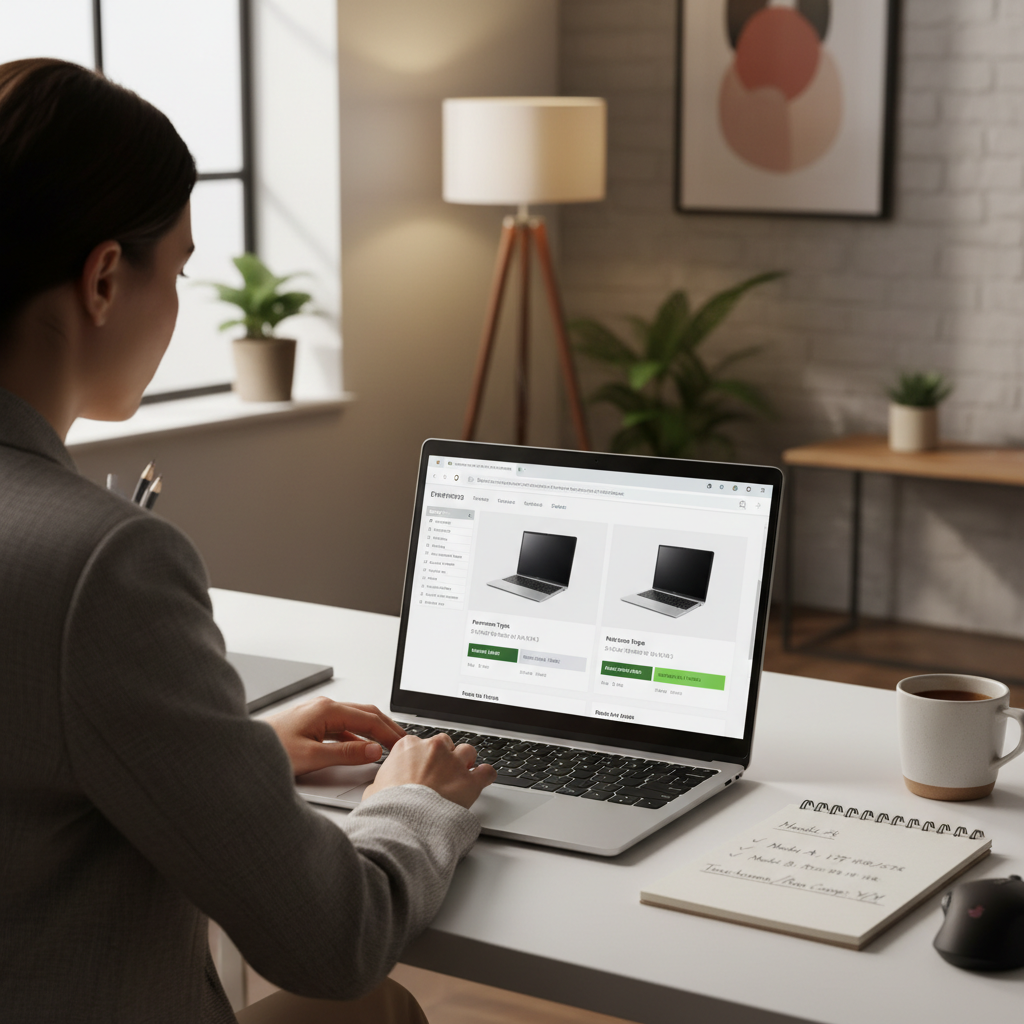
If you can answer those six questions confidently, you usually avoid the worst budget mistakes.
How to get the best deal without buying the wrong configuration
Most “bad deals” are not truly bad laptops, they are the wrong configuration for the price. A few tactics help.
Shop the configuration, not the model name
The same product line can have both excellent and painful variants. When you compare listings, match CPU + RAM + storage first, then check the screen and ports.
Use timing, but do not wait forever
In the U.S., discounts often cluster around back-to-school, holiday seasons, and retailer events. If your current laptop is failing, paying slightly more for an 8GB/256GB SSD configuration can be the cheaper decision long-term.
Consider certified refurbished, carefully
Refurbished units can stretch your budget into a higher tier, but only if there is a clear warranty and a reputable seller. If details are vague, skip it.
Key points to watch in the product page fine print
- Wi‑Fi version: newer Wi‑Fi standards help with crowded networks.
- Webcam: 720p is common, but better cams reduce “muddy” calls.
- Keyboard backlight: not essential, but nice for dorm rooms and flights.
- Weight: convertibles get heavy fast, especially 15-inch models.
Common mistakes people make with budget 2-in-1 touchscreen laptops
These show up a lot in returns and frustrated reviews, and they are avoidable.
- Overpaying for a big screen while accepting weak internals: a 15.6-inch touchscreen sounds great until it runs hot and sluggish.
- Ignoring pen costs: some devices need a specific stylus, and that adds real money.
- Assuming all touchscreens feel the same: glass, digitizer quality, and palm rejection vary by model.
- Buying 4GB RAM “for now”: Windows updates and browsers do not get lighter over time.
- Forgetting ergonomics: tablet mode is fun, but heavy convertibles can be tiring to hold.
Many people chasing the best budget 2 in 1 laptops touchscreen are really trying to avoid buyer’s remorse. The easiest way is to pick a sensible baseline spec, then buy from a retailer with a clean return window.
When it makes sense to ask for hands-on help
If you are buying for a student with accessibility needs, a parent who needs a larger interface, or a job that depends on reliable video calls, it can be worth getting a second opinion from a knowledgeable friend or a store associate who can let you test the hinge and keyboard feel.
Also, if you plan to use a stylus for heavy handwriting or art, you may want guidance on pen protocols and app compatibility. This is less about “budget vs premium” and more about avoiding a mismatch in expectations.
Conclusion: a smart budget 2-in-1 is mostly about disciplined priorities
Finding a convertible that feels good does not require a luxury budget, it requires a little discipline: aim for 8GB RAM, SSD storage, a current-enough CPU, and a screen you can tolerate every day. Once those boxes are checked, you can choose the design and brand that fits your routine.
Action step: pick two models from the shortlist, compare configurations side by side, then buy the best-spec option within your ceiling from a seller with an easy return policy.
Key takeaways (save this)
- 8GB RAM + SSD is the budget baseline that prevents most frustration.
- Convertible designs often deliver better value than cheap detachables.
- Brightness and hinge quality matter more than tiny spec differences.
- Pen support is not automatic, confirm compatibility and total cost.
If you need a quick recommendation path, start with a Ryzen 5 or Core i5 configuration when discounts bring it into budget, that is often the sweet spot for the best budget 2 in 1 laptops touchscreen shoppers.